Die vorliegende Übersetzung wurde maschinell erstellt. Im Falle eines Konflikts oder eines Widerspruchs zwischen dieser übersetzten Fassung und der englischen Fassung (einschließlich infolge von Verzögerungen bei der Übersetzung) ist die englische Fassung maßgeblich.
Passen Sie das Design des Arbeitsbereichs für Agenten an
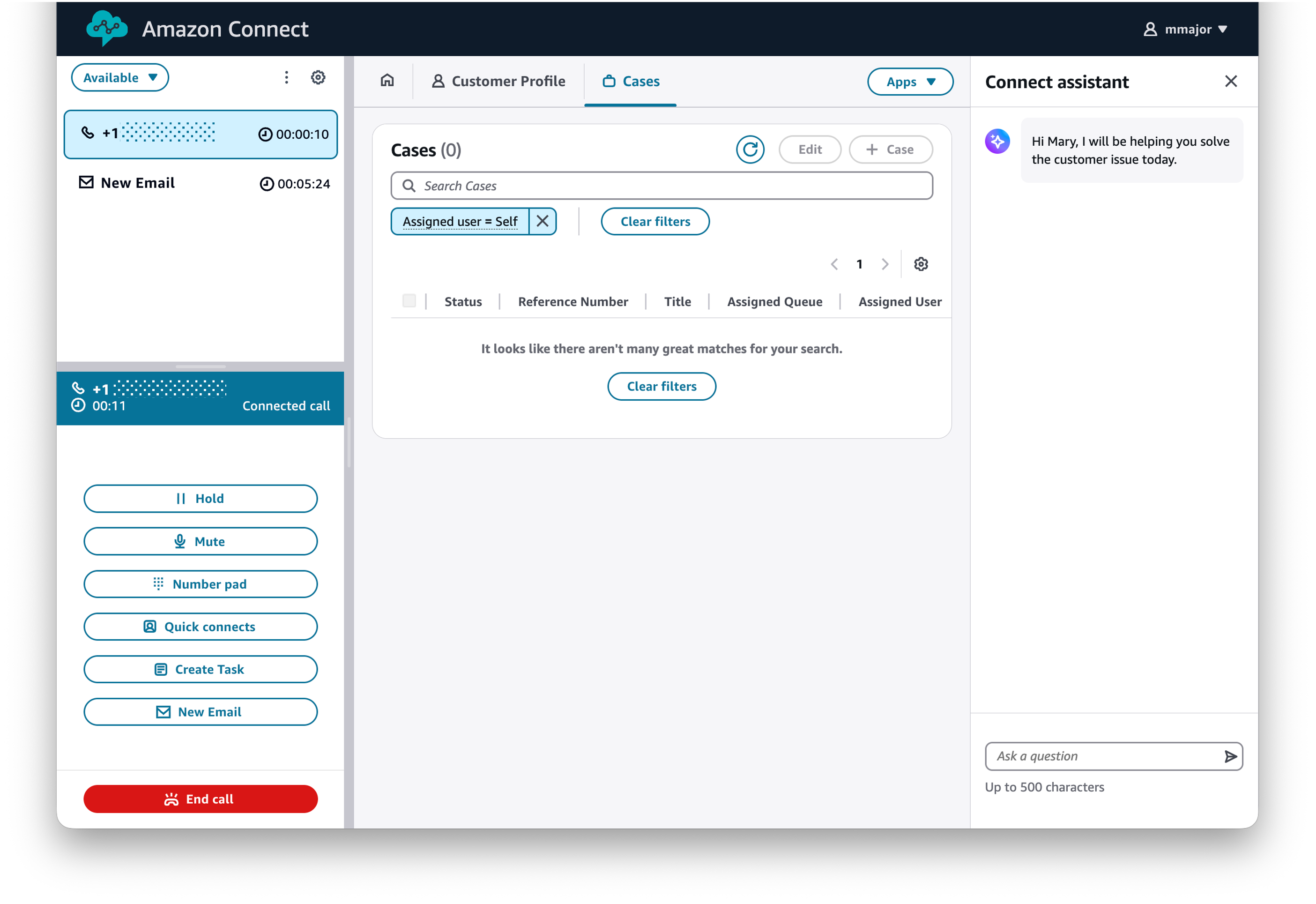
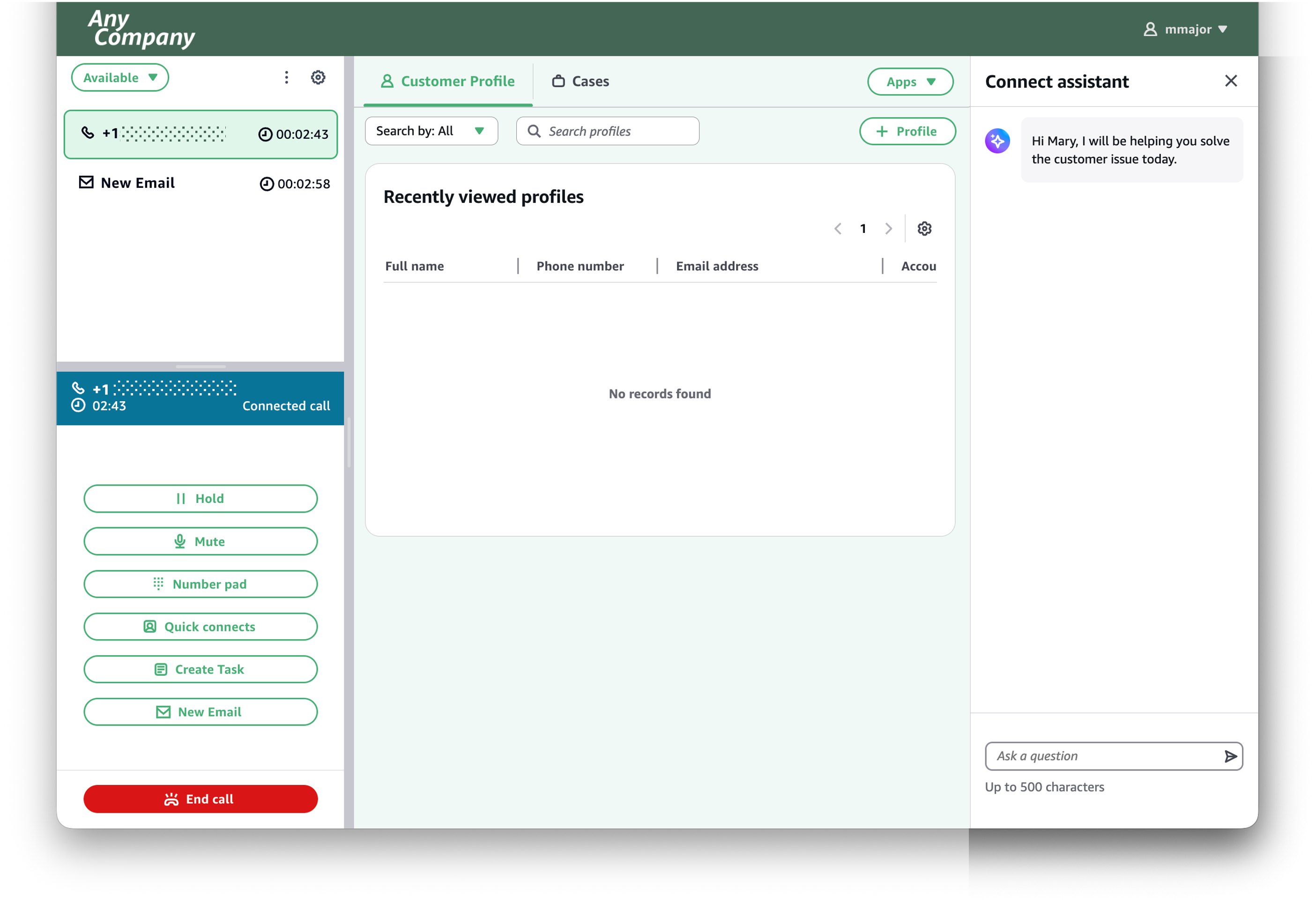
Standardmäßig verwendet der Arbeitsbereich für Agenten ein Connect-Customer-Design, das das Logo, das Favicon, die Schriftfamilie und die Farbpalette umfasst. Mithilfe von Designs können Sie das visuelle Erscheinungsbild des Agentenarbeitsbereichs so anpassen, dass es zur Markenidentität Ihres Unternehmens passt. Um das visuelle Erscheinungsbild des Arbeitsbereichs für Agenten anzupassen, erstellen Sie einen Arbeitsbereich, passen Sie sein Design an und weisen Sie ihn Ihren Agenten zu.
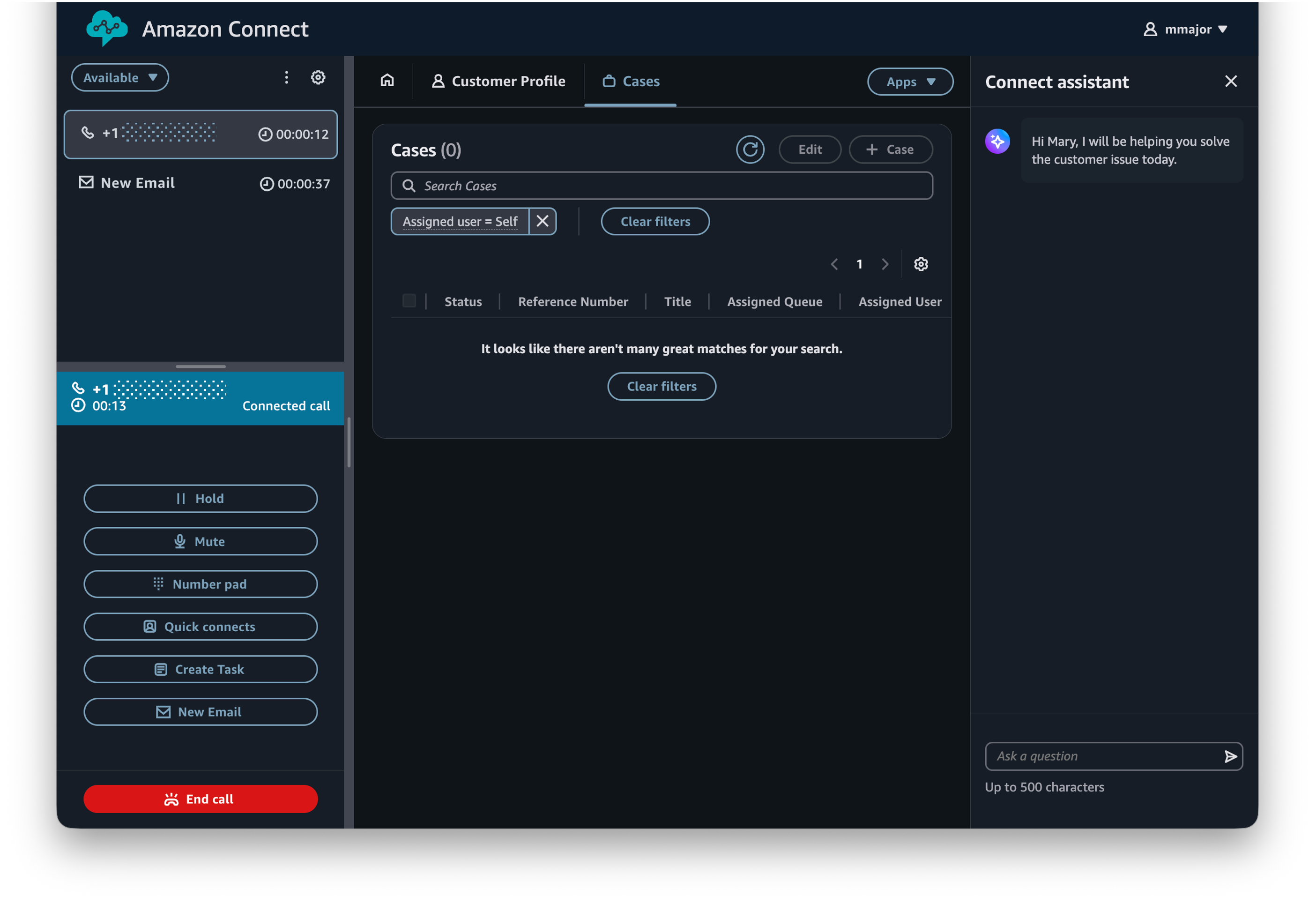
Agenten können je nach Präferenz zwischen hellem und dunklem Modus wählen. Um den Modus zu ändern, öffnen Sie die Benutzereinstellungen oben rechts im Arbeitsbereich für Agenten.