本文為英文版的機器翻譯版本,如內容有任何歧義或不一致之處,概以英文版為準。
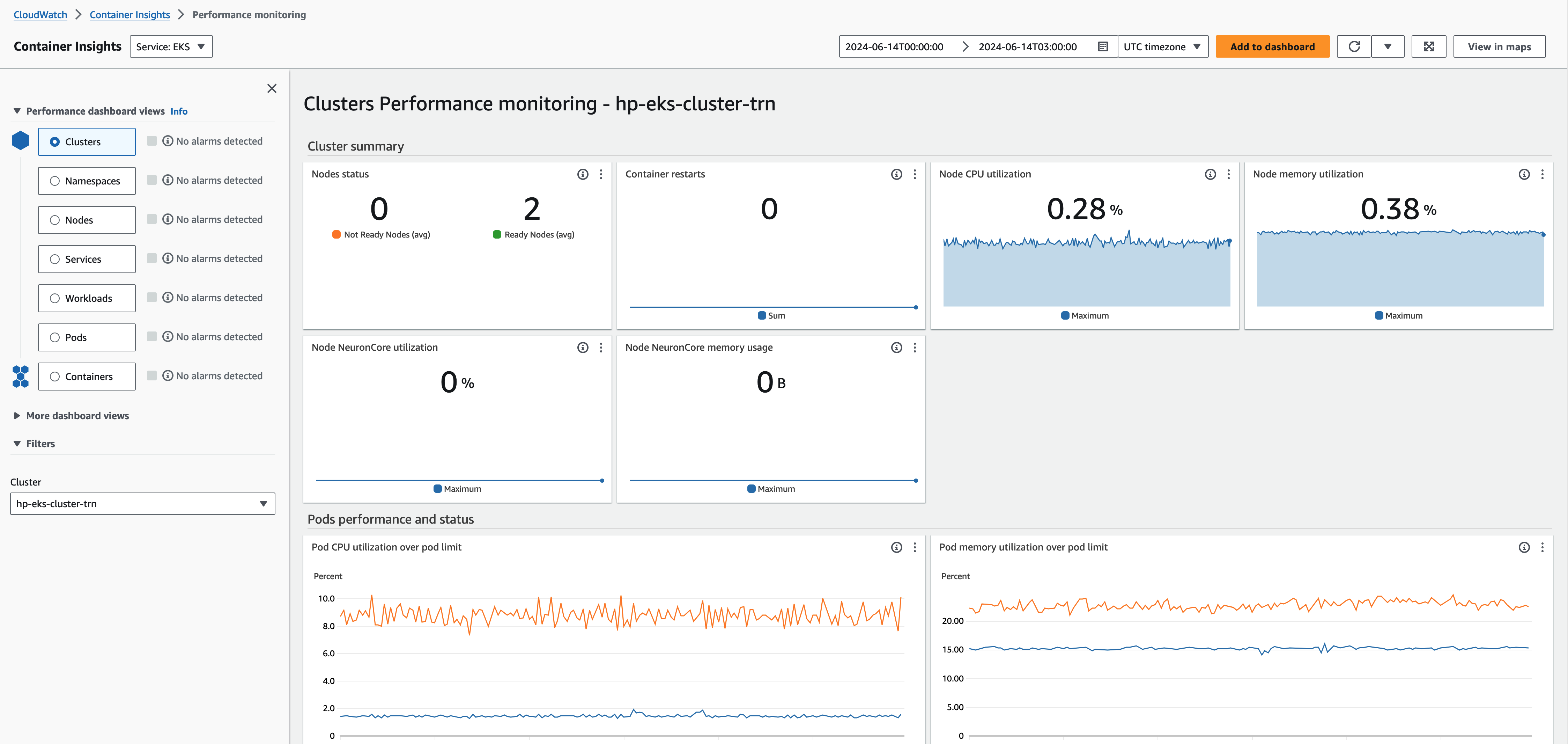
存取 CloudWatch Container Insights 儀表板
透過 https://console.aws.amazon.com/cloudwatch/
開啟 CloudWatch 主控台。 -
選擇 Insights,然後選擇 Container Insights。
-
選取透過您正在使用的 HyperPod 叢集設定的 EKS 叢集。
-
檢視 Pod/叢集層級指標。