Agentic Chat in Amazon OpenSearch Service - Amazon OpenSearch Service

Agentic Chat in Amazon OpenSearch Service

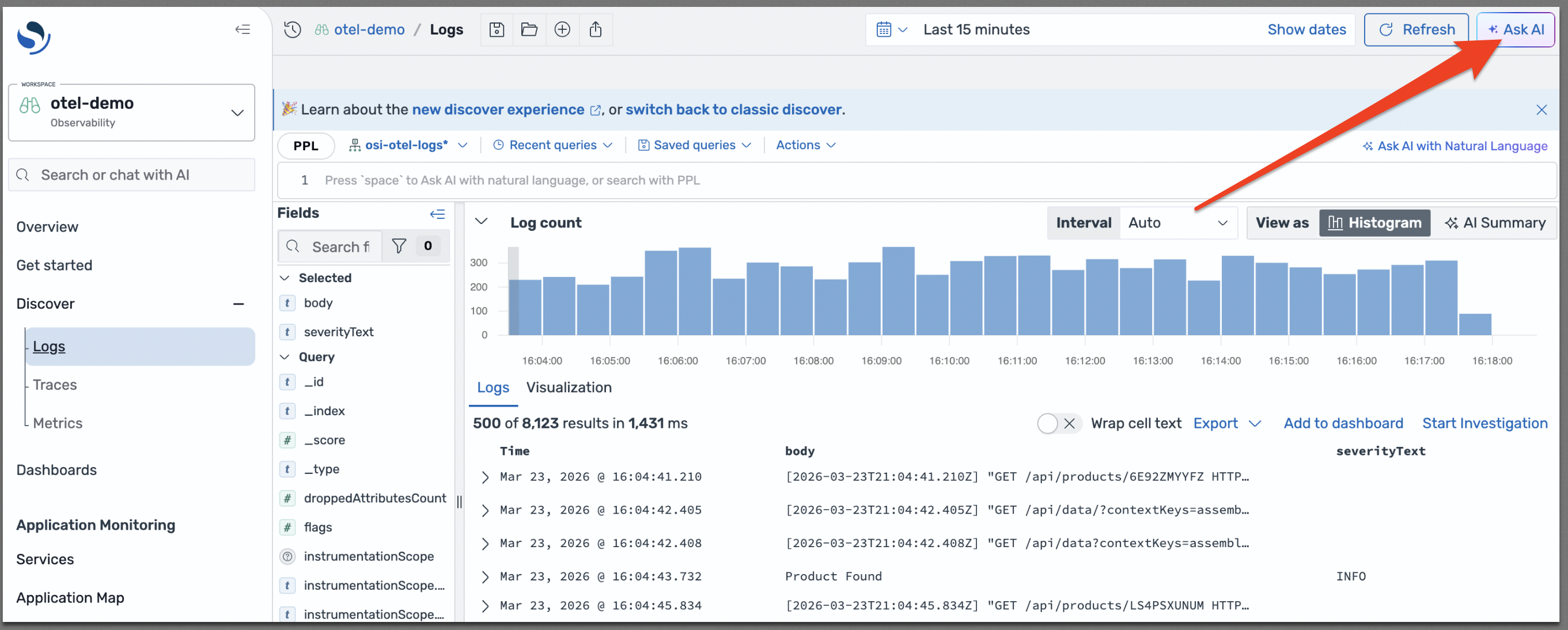
Agentic Chat is an AI assistant embedded in every page of OpenSearch UI. Choose the Ask AI button to open the chat panel, where you can ask questions about your data, generate queries, and initiate investigations. Agentic Chat understands the context of the page you're viewing in Discover and Investigation, and uses agentic tools to analyze the underlying data.

The Discover page in OpenSearch UI with the Ask AI button highlighted in the top right corner.

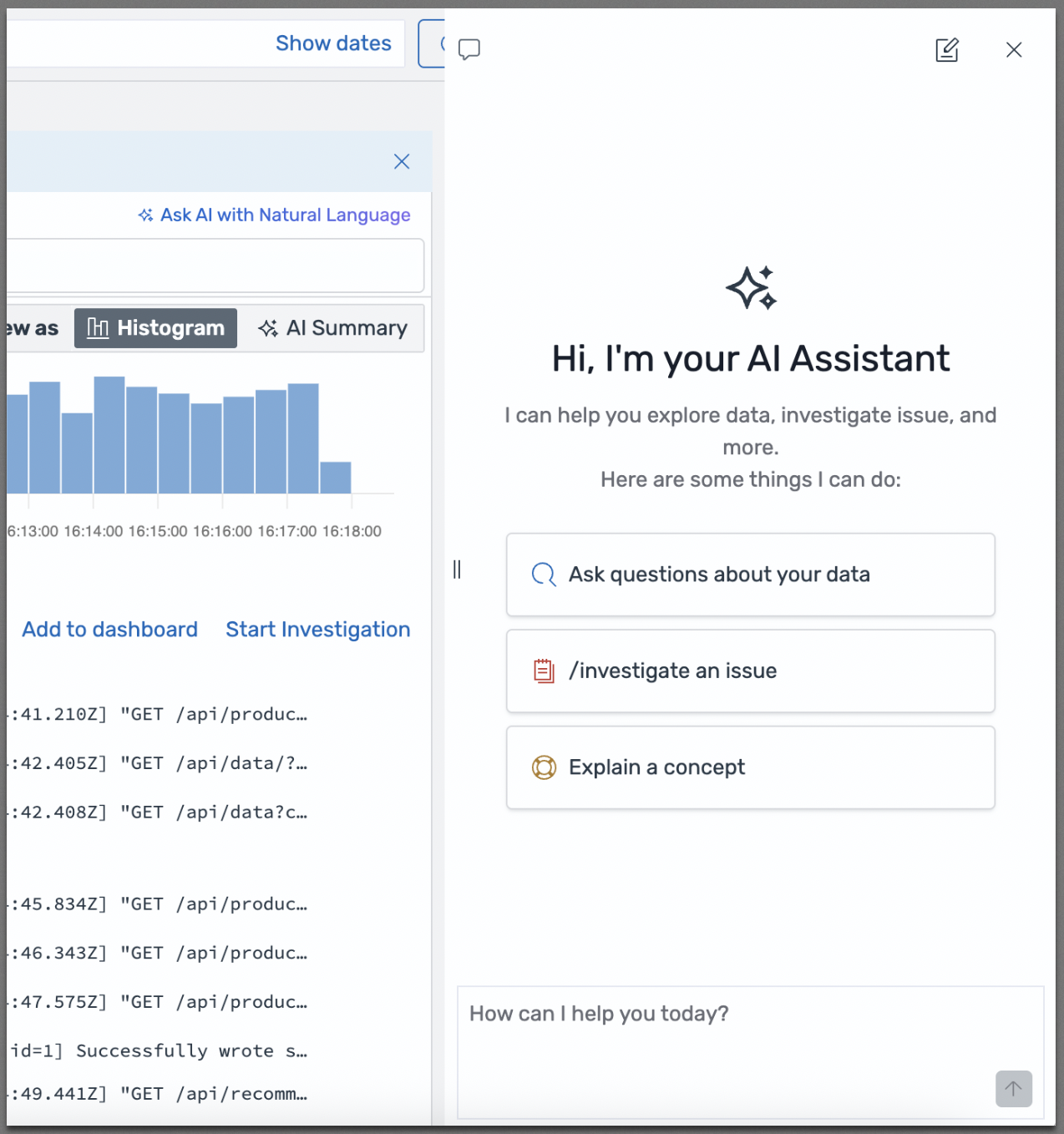
When you open the chat panel, Agentic Chat presents options to help you get started: ask questions about your data, investigate an issue, or explain a concept. If you previously started a conversation, it remains visible in the chat panel as you navigate between pages, so that you can continue where you left off. Alternatively, choose the New Chat button in the top right corner to start a new conversation.

The Agentic Chat panel showing the AI Assistant welcome message with options to ask questions about your data, investigate an issue, or explain a concept.

Using Agentic Chat with Discover

On the Discover page in Observability workspaces, you can enter natural language in the chat interface to generate PPL queries. Agentic Chat translates your questions into PPL, executes the query, and displays the results directly in the Discover view. You don't need to be an expert in PPL to get actionable insights from your data.

To refine a generated query, ask follow-up questions in natural language, such as "add a filter for status code 500." Agentic Chat understands the context of the current query and modifies it accordingly. You can also ask to adjust aggregations, change time ranges, or add additional fields to the results. Each iteration updates the Discover view with the new query results.

Using Agentic Chat with visualizations

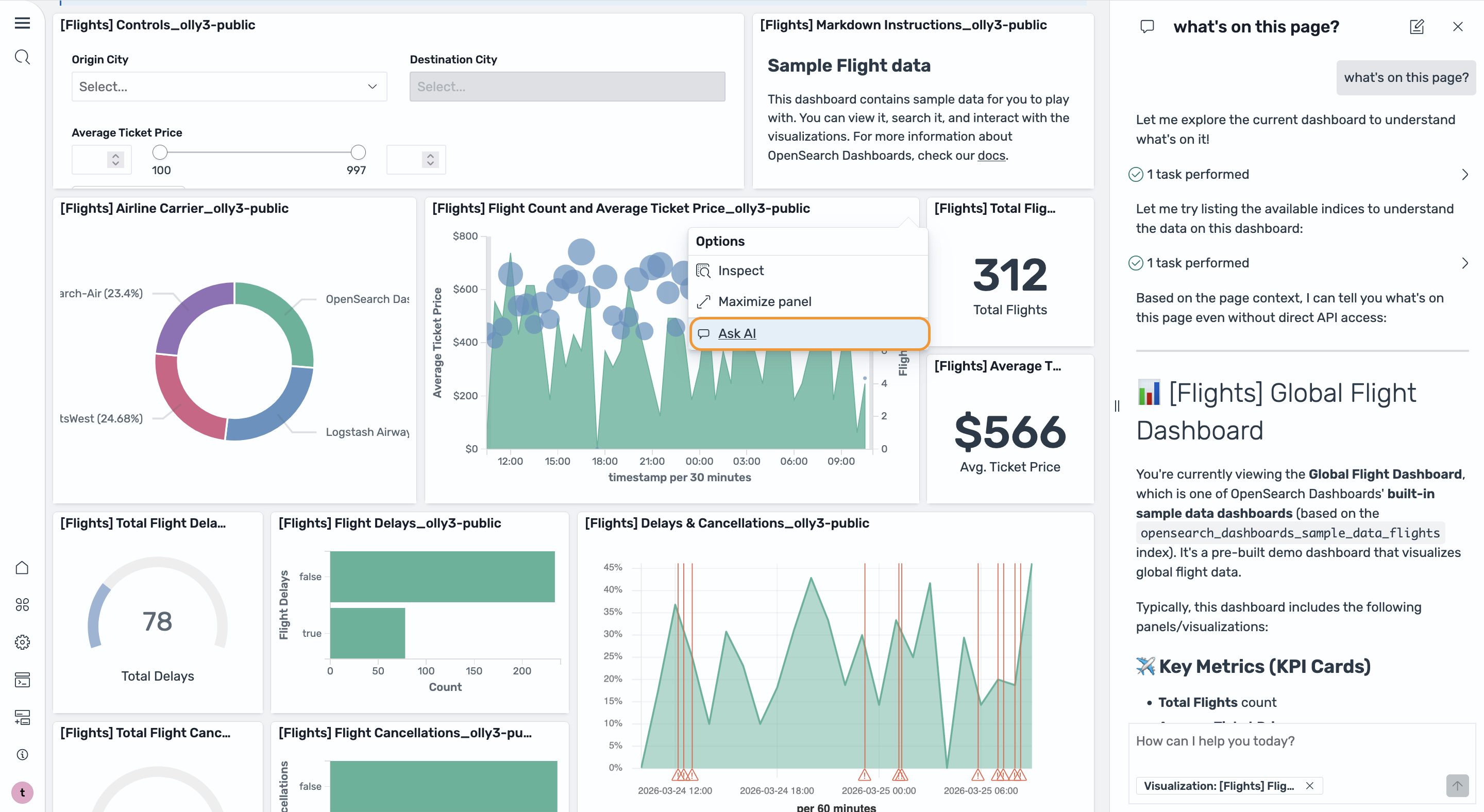
You can start a conversation with Agentic Chat directly from a visualization. Open the context menu on a visualization panel and choose Ask AI. Agentic Chat analyzes the visualization, identifies anomalies in your graphs, correlates with the underlying data, and generates analysis.

A visualization in OpenSearch UI showing the Ask AI option in the context menu, with the Agentic Chat panel analyzing the visualization.

Starting an investigation from chat

When a complex root cause analysis is needed, you can launch the Investigation Agent directly from Agentic Chat. Use the /investigate slash command in the chat input, or choose the Start Investigation button on feature pages.

For more information about the Investigation Agent, see Investigation Agent in Amazon OpenSearch Service.

Supported tools

Agentic Chat uses the following tools to analyze your data and answer questions. To see the most up-to-date list of available tools, type "what tools can you use" in the chat interface.

Frontend tools

These tools update the OpenSearch UI:

  • create_investigation – Creates a new agentic investigation notebook with details such as goals, symptoms, index, and time range.

  • execute_ppl_query – Runs PPL queries against the current dataset and displays results in the Discover page.

  • update_time_range – Updates the global time range filter on the current Discover page (for example, "last 24 hours" or "last week").

Backend tools

These tools interact directly with OpenSearch data and APIs:

  • SearchIndexTool – Searches an index using DSL queries.

  • MsearchTool – Executes multiple search operations in a single request.

  • CountTool – Returns the number of documents matching a query.

  • ExplainTool – Explains why a document matches or doesn't match a query.

  • ListIndexTool – Lists indices in the cluster with optional detail.

  • IndexMappingTool – Retrieves index mappings and settings.

  • GetShardsTool – Gets shard information for an index.

  • ClusterHealthTool – Returns cluster health information.

  • LogPatternAnalysisTool – Analyzes log patterns, compares time ranges, or performs trace sequence analysis.

  • MetricChangeAnalysisTool – Compares percentile distributions of numeric fields between two time ranges.

  • DataDistributionTool – Analyzes field value distributions in a target time range, optionally compared to a baseline.

  • GenericOpenSearchApiTool – A flexible tool for calling any OpenSearch API endpoint directly.