啟用長期記憶體
您可以透過兩種方式啟用長期記憶體:在第一次建立 AgentCore 記憶體 時新增策略,或更新現有資源以包含它們。
使用長期策略建立新的記憶體
最直接的方法是在建立新的 AgentCore 記憶體時包含策略。呼叫 create_memory 之後,您必須等待 AgentCore 記憶體狀態變為 ,ACTIVE才能使用它。
範例
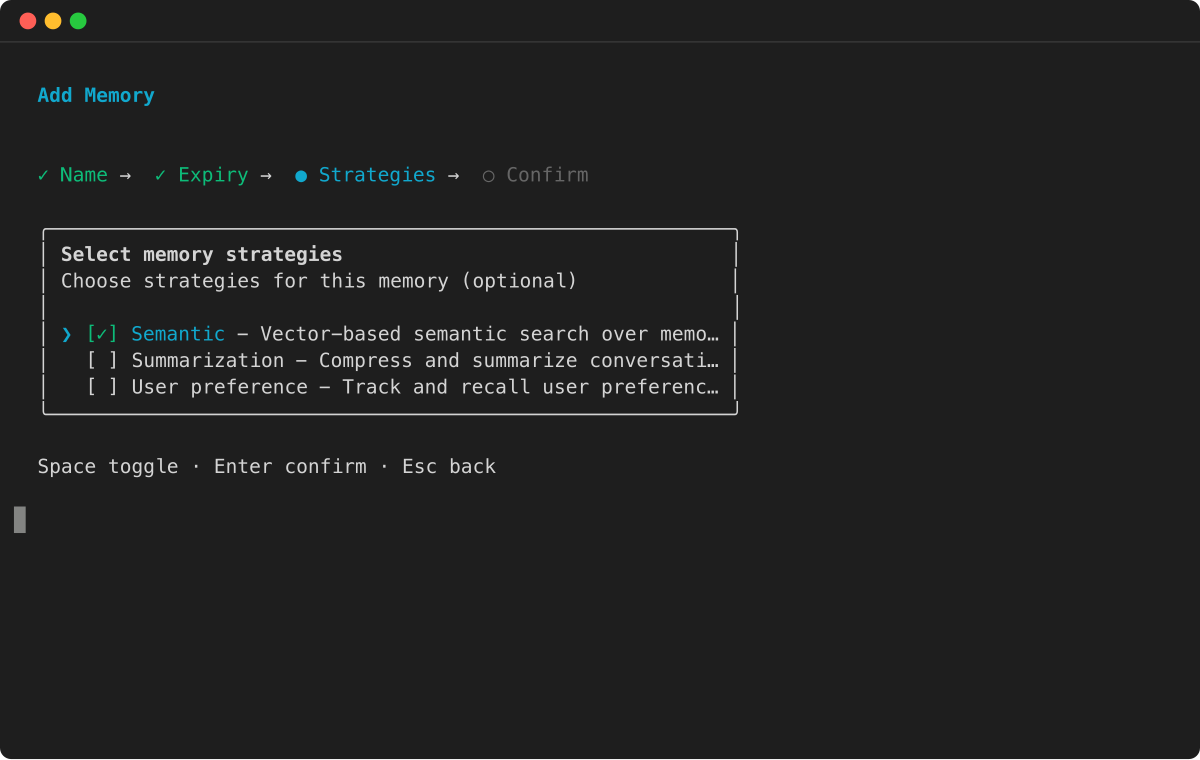
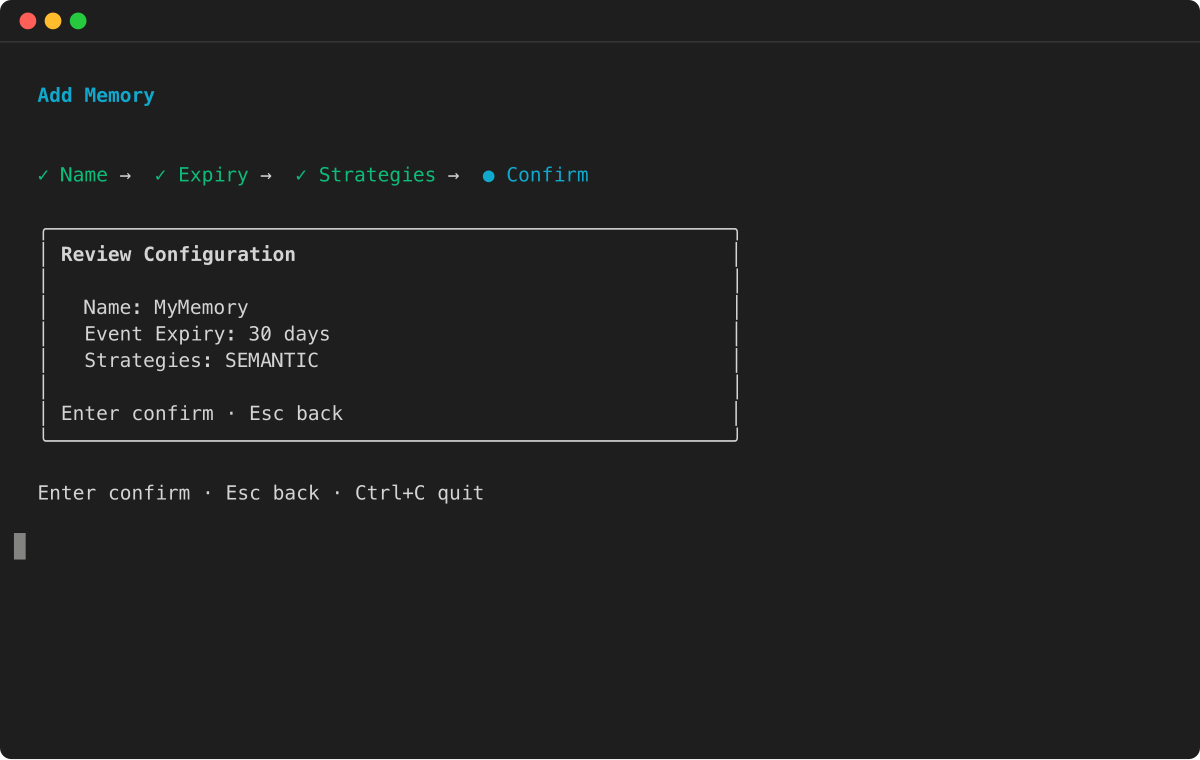
將長期策略新增至現有的 AgentCore 記憶體
若要將長期功能新增至現有的 AgentCore 記憶體,請使用 update_memory操作。您可以新增、修改或刪除現有記憶體的策略。
注意
AgentCore CLI 支援建立和管理記憶體資源。若要更新現有記憶體上的記憶體策略,請使用 AWS SDK。
範例 將工作階段摘要策略新增至現有的 AgentCore 記憶體
import boto3

# Initialize the Boto3 client for control plane operations
control_client = boto3.client('bedrock-agentcore-control', region_name='us-west-2')

# Assume 'memory_id' is the ID of an existing AgentCore Memory that has no strategies attached to it
memory_id = "your-existing-memory-id"

# Update the memory to add a summary strategy
response = control_client.update_memory(
    memoryId=memory_id,
    memoryStrategies=[
        {
            'summaryMemoryStrategy': {
                'name': 'SessionSummarizer',
                'description': 'Summarizes conversation sessions for context',
                'namespaceTemplates': ['/summaries/{actorId}/{sessionId}/']
            }
        }
    ]
)

print(f"Successfully submitted update for memory ID: {memory_id}")

# Validate strategy was added to the memory
memory_response = control_client.get_memory(memoryId=memory_id)
strategies = memory_response.get('memory', {}).get('strategies', [])
print(f"Memory strategies for memoryID: {memory_id} are: {strategies}")
注意
長期記憶體記錄只會從新策略變成 ACTIVE 後儲存的對話事件中擷取。新增策略之前儲存的對話將不會處理長期記憶體。
