刪除線上評估
DeleteOnlineEvaluationConfig API 會永久移除線上評估組態,並停止所有相關的評估處理。此非同步操作會停用評估服務,並清除所有相關資源。
只有在組態處於 ACTIVE、UPDATE_FAILED、 或 ERROR 狀態時CREATE_FAILED,才能刪除線上評估。目前正在建立、更新或刪除的組態必須先完成其操作,才能允許其他刪除。
AgentCore CLI、AgentCore SDK 和 AWS SDK 的程式碼範例
下列程式碼範例示範如何使用不同的開發方法刪除線上評估組態。選擇最適合您的開發環境和偏好設定的方法。
範例
- AgentCore CLI
-
-
# Delete (with confirmation prompt)
agentcore remove online-eval --name "your_config_name"
agentcore deploy
remove 命令會從本機專案中移除線上評估組態。執行 agentcore deploy將刪除套用至 AWS 您的帳戶。
從 AgentCore 專案目錄 (使用 建立) agentcore create 內執行此操作。
- Interactive
-
-
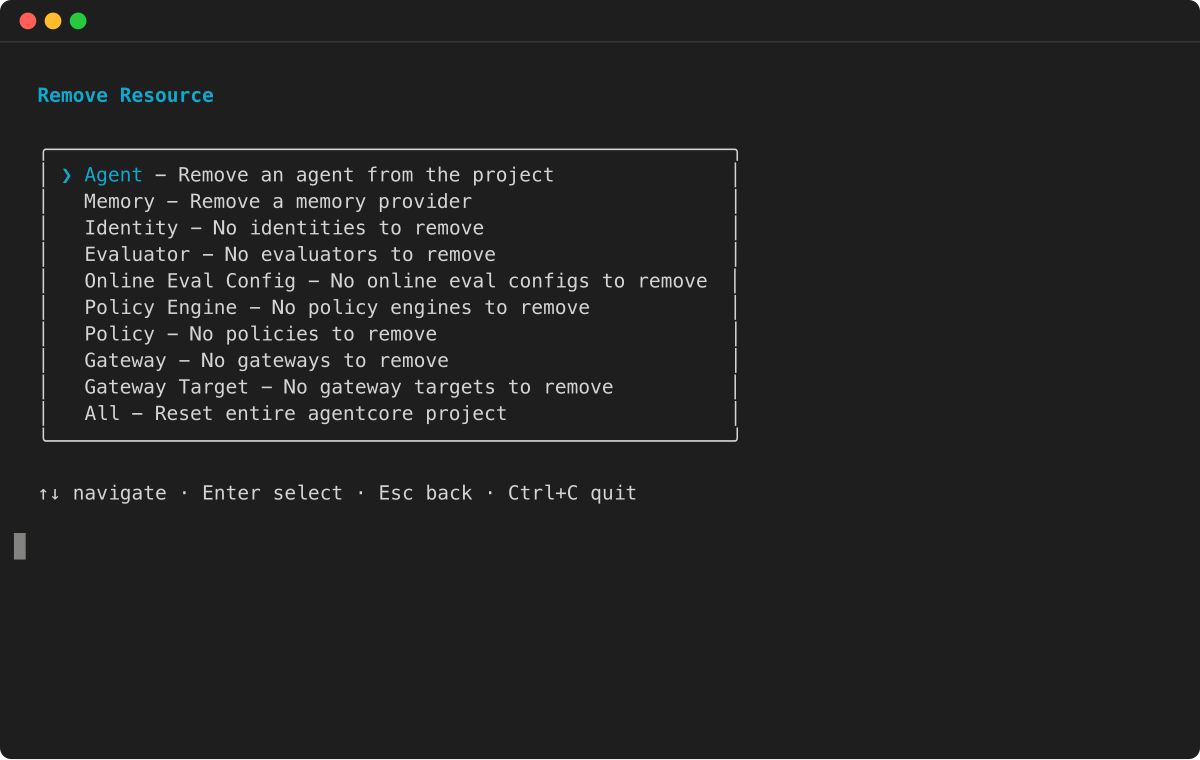
* 從資源類型功能表中執行agentcore remove並選取線上評估組態。
- AgentCore SDK
-
-
from bedrock_agentcore_starter_toolkit import Evaluation

# Initialize the evaluation client
eval_client = Evaluation()
config_id = "config-abc123"
print(f"\nUsing config_id: {config_id}")

eval_client.delete_online_config(
     config_id=config_id,
     delete_execution_role=True  # Also delete the IAM role
)
- AWS SDK
-
-
import boto3

client = boto3.client('bedrock-agentcore-control')

delete_config_response = client.delete_online_evaluation_config(
    onlineEvaluationConfigId='your_config_id'
)
- AWS CLI
-
-
aws bedrock-agentcore-control delete-online-evaluation-config \
    --online-evaluation-config-id your_config_id
主控台
使用主控台界面永久移除線上評估組態,其中包括防止意外刪除的確認提示。
刪除線上評估組態
-
開啟 Amazon Bedrock AgentCore 主控台。
-
在導覽窗格中,選擇評估。
-
在評估組態卡中,檢視列出您已建立之評估組態的資料表。
-
選擇下列其中一種方法來刪除組態:
-
輸入 confirm 以確認刪除。
-
選擇刪除以刪除組態。