End of support notice: On March 31, 2027, AWS will end support for Amazon WorkSpaces Thin Client. After March 31, 2027, you will no longer be able to access the WorkSpaces Thin Client console or WorkSpaces Thin Client resources. For more information, see Amazon WorkSpaces Thin Client end of support.
Forgetting a network
Your WorkSpaces Thin Client will automatically sign on to your set Wi-Fi network. If you're currently using or you have joined a network that you no longer use, your device can forget this network.
Your device can only forget known Wi-Fi networks. If your device has never joined a Wi-Fi network, you don't have the option to forget that network.
Your device can not forget Ethernet connected networks.
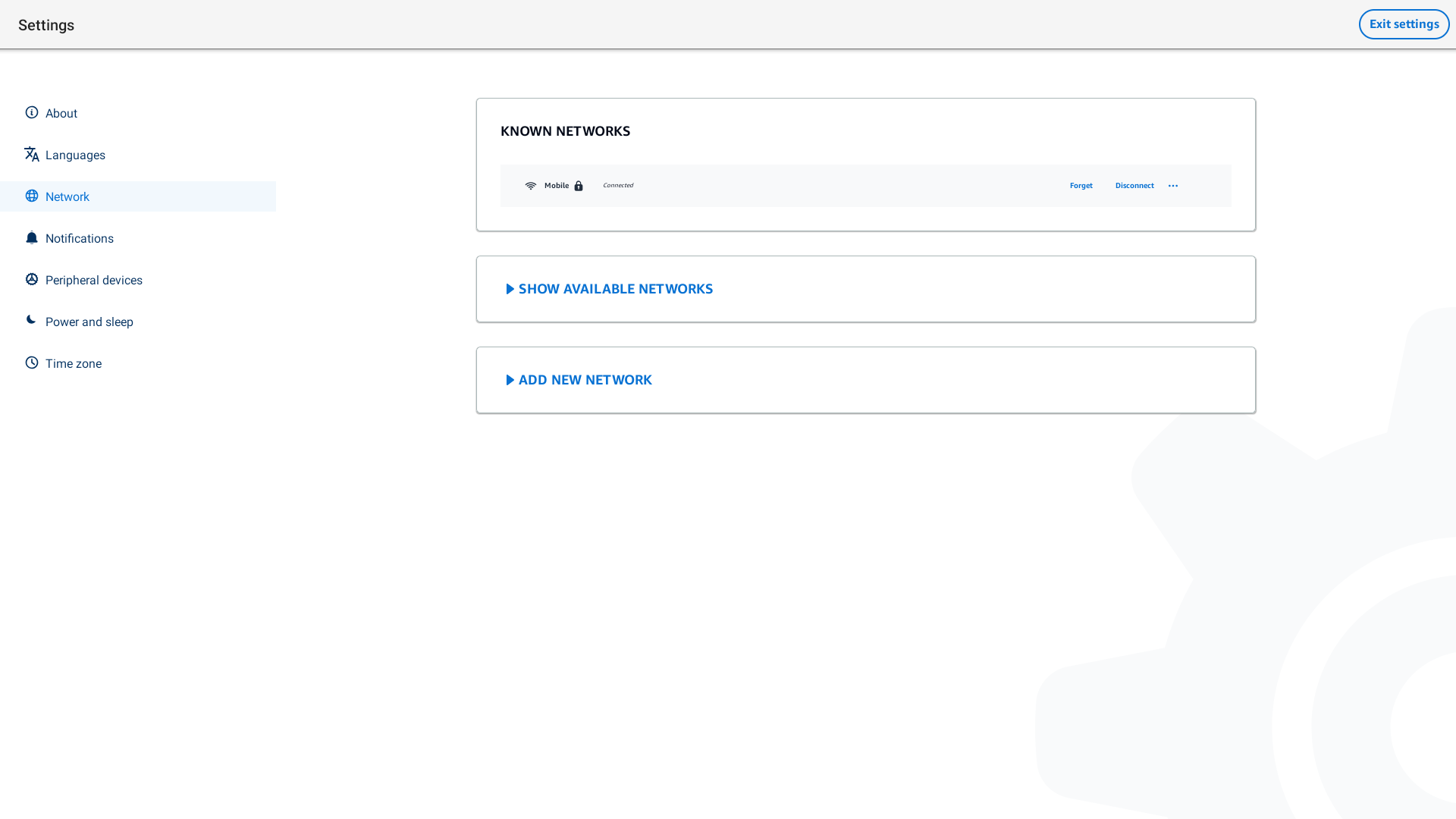
Go to Settings, Network, Known Networks.
Select Forget from the desired network.
The network is removed from the Known Networks list. If you want to join this network again, please use Show Available Networks or Add New Network to connect to the network again.
