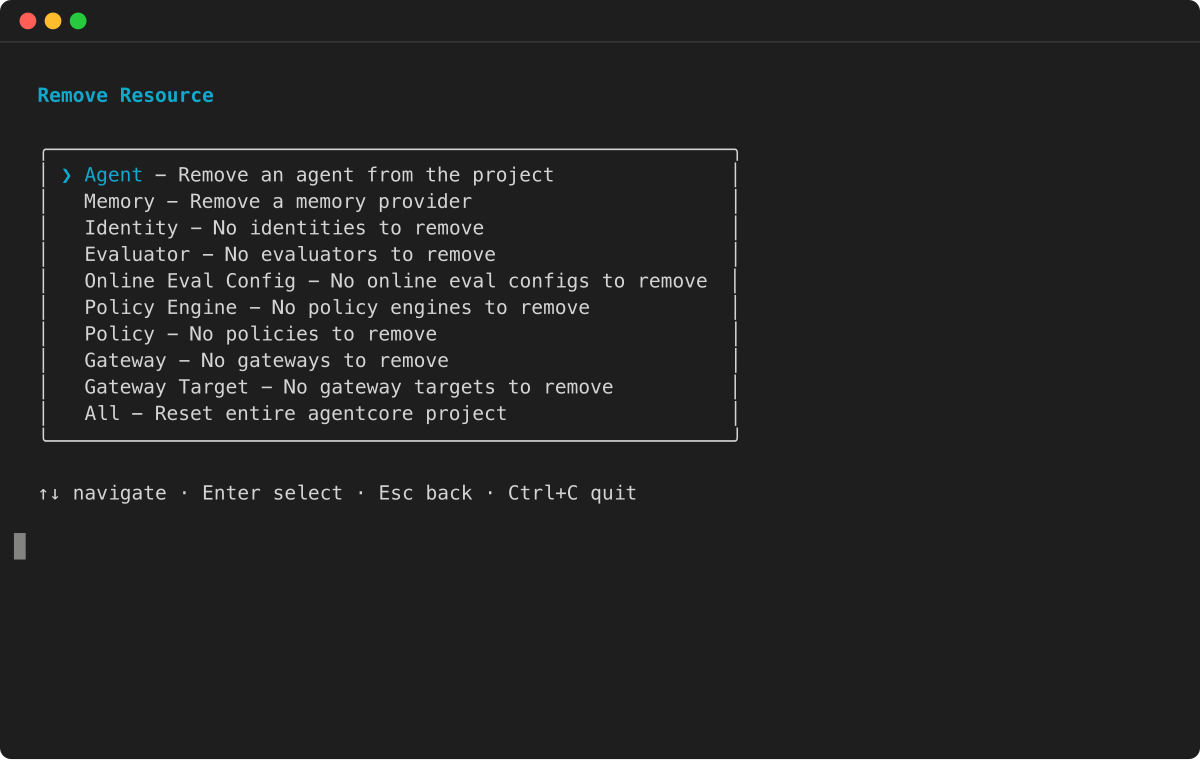
Delete evaluator
The DeleteEvaluator API permanently removes a custom evaluator and all
its configuration data. This asynchronous operation is irreversible.
Deletion requirements: The evaluator must not be locked (not referenced by any enabled evaluation configurations) and must be in an Active status. Evaluators in use will return a conflict error.
Cleanup process: The system verifies no active references exist, then permanently removes the evaluator configuration. Any evaluation configurations referencing the deleted evaluator will need to be updated with alternative evaluators.
The API returns the evaluator ARN and deletion status immediately. The evaluator becomes unavailable for use once deletion completes.
Code samples for Starter Toolkit, AgentCore SDK, and AWS SDK
The following code samples demonstrate how to delete evaluators using different development approaches. Choose the method that best fits your development environment and preferences.
Console
Permanently remove a custom evaluator using the console interface, which includes confirmation prompts to prevent accidental deletion.
To delete a custom evaluator
-
Open the Amazon Bedrock AgentCore console.
-
In the navigation pane, choose Evaluation.
-
Choose Custom evaluators next to Evaluation configurations.
-
In the Custom evaluators card, view the table that lists the custom evaluators you have created.
-
Choose one of the following methods to delete the evaluator:
-
Choose the custom evaluator name to view its details, then choose Delete in the upper right of the details page.
-
Select the custom evaluator so that it is highlighted, then choose Delete at the top of the Custom evaluators card.
-
-
Enter
confirmto confirm the deletion. -
Choose Delete to delete the evaluator.