Flow block in Connect Customer: Connect assistant
This topic defines the flow block for Connect assistant.
Description
-
Associates an Connect assistant domain to a contact to enable real-time recommendations.
-
For more information about enabling AI agents, see Use AI agents for real-time assistance.
Tip
If you choose to customize your AI agents, instead of adding this block to your flows, you need to create a Lambda and then use the AWS Lambda function block to add it to your flows.
Supported channels
The following table lists how this block routes a contact who is using the specified channel.
Note
Nothing happens if an outbound mail is sent to this block, however, you will be charged. To prevent this, add a Check contact attributes block before this one and route tasks and outbound emails accordingly. For instructions, see Personalize a contact's experience based on how they contact your contact center.
| Channel | Supported? |
|---|---|
Voice |
Yes |
Chat |
Yes |
Task |
Yes |
Yes |
Flow types
You can use this block in the following flow types:
-
Inbound flow
-
Customer Queue flow
-
Outbound whisper flow
-
Transfer to Agent flow
-
Transfer to Queue flow
How to configure this block
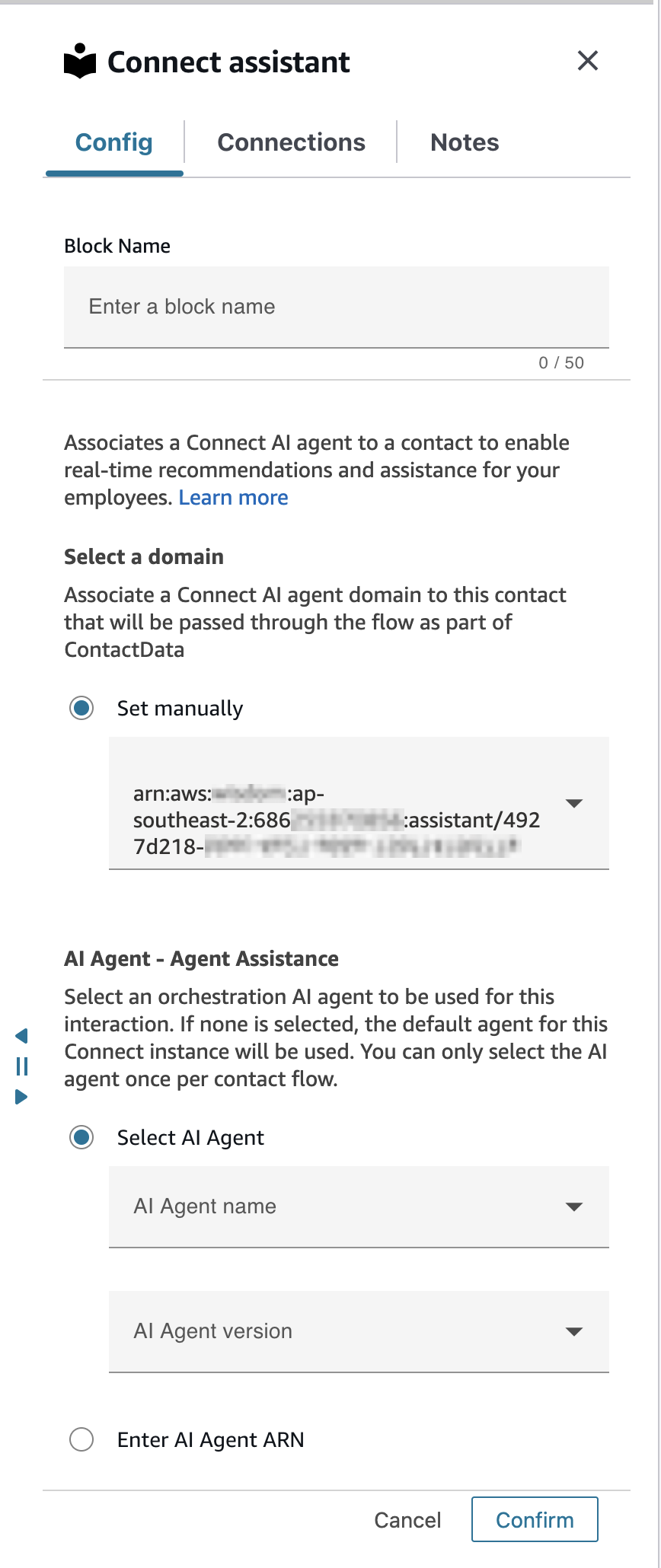
The following image shows the Config tab of the Connect assistant block setting. It specifies the full Amazon Resource Name (ARN) of the Connect assistant domain to associate to the contact. It also specifies the Orchestration AI agent to use for Agent Assistance.
Configuration tips
-
To use AI agents with calls, you must enable Connect Customer conversational analytics in the flow by adding a Set recording and analytics behavior block that is configured for conversational analytics real-time. It doesn't matter where in the flow you add the Set recording and analytics behavior block.
AI agents, along with real-time conversational analytics, are used to recommend content that is related to customer issues detected during the current call.
-
Conversational analytics is not required to use AI agents with chats.
Configured block
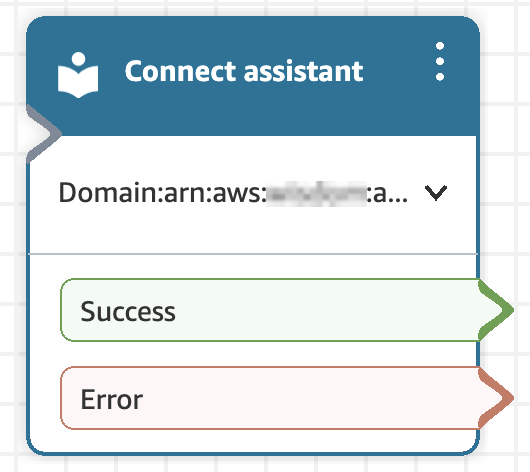
The following image shows an example of what this block looks like when it is configured. It has the following branches: Success and Error.