Troubleshoot the webhook for failed builds or a hanging job
Issue:
The webhook you set up in Tutorial: Configure a CodeBuild-hosted Buildkite runner isn't working or your workflow job is hanging in Buildkite.
Possible causes:
-
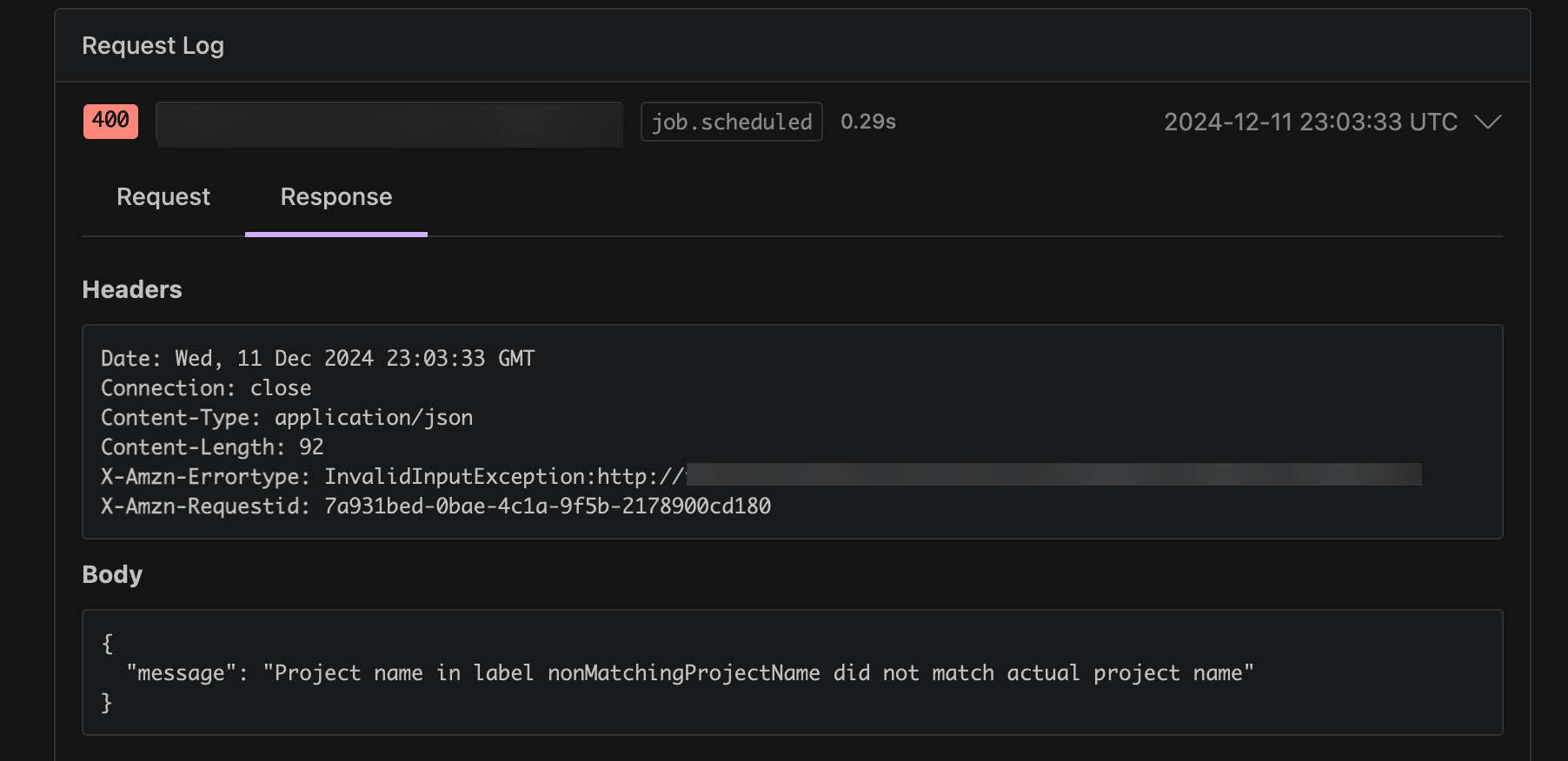
Your webhook job.scheduled event might be failing to trigger a build. Review the Response logs to view the response or error message.
-
Your CodeBuild build fails before starting the Buildkite self-hosted runner agent to handle your job.
Recommended solutions:
To debug failed Buildkite webhook events:
-
In your Buildkite organization settings, navigate to Notification Services, select your CodeBuild webhook, and then find the Request Log.
-
Find the
job.scheduledwebhook event associated with your stuck Buildkite job. You can use the job ID field within the webhook payload to correlate the webhook event to your Buildkite job. -
Select the Response tab and check the response body. Verify that the Response status code is
200and the Response body doesn’t contain any unexpected messages.