Recurring insights report
Create an online evaluation configuration with insights and a clustering schedule. The service automatically runs insights analysis on the configured cadence without manual intervention.
Topics
Create the configuration
Example


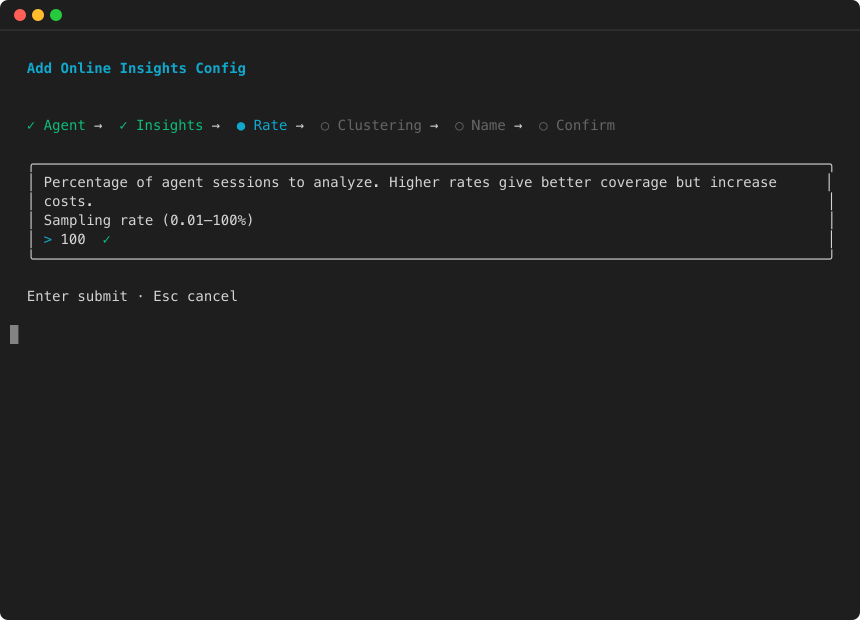


This tells the service to:
-
Sample sessions at the configured rate (100% in this example — adjust
--sampling-rateorsamplingPercentageto analyze a subset of traffic). -
Run failure analysis and user intent extraction on each sampled session.
-
Trigger a clustering report daily.
Configuration parameters
| Parameter | Type | Required | Description |
|---|---|---|---|
|
|
List |
Required (mutually exclusive with |
List of insight types to run. Each entry has an |
|
|
Number |
No (default: 100) |
Percentage of sessions to analyze (1—100). Use a lower sampling rate for high-traffic agents to control costs while still surfacing failure patterns. |
|
|
Object |
No |
Configures periodic batch evaluation jobs for clustering. Contains a |
|
|
List of strings |
Yes (within |
One or more of: |
Note
Insights and evaluators are mutually exclusive — you must provide one or the other, not both. If you want both quality scoring and failure triage for the same agent, create two separate configurations pointing at the same data source.
Update a configuration
Modify the insights or clustering frequency:
client_cp.update_online_evaluation_config(
    onlineEvaluationConfigId=config_id,
    insights=[
        {"insightId": "Builtin.Insight.FailureAnalysis"},
        {"insightId": "Builtin.Insight.UserIntent"},
    ],
    clusteringConfig={"frequencies": ["DAILY", "WEEKLY"]},
)
View recurring report results
Recurring reports produce batch evaluation jobs automatically. Use ListBatchEvaluations to find completed reports, then GetBatchEvaluation to retrieve results:
client = boto3.client("bedrock-agentcore", region_name="us-west-2")

# List recent batch evaluations
evaluations = client.list_batch_evaluations()

for eval_summary in evaluations.get("batchEvaluations", []):
    if eval_summary["status"] == "COMPLETED" and eval_summary.get("insights"):
        result = client.get_batch_evaluation(
            batchEvaluationId=eval_summary["batchEvaluationId"]
        )
        print(f"Report: {eval_summary['batchEvaluationName']}")
        if "failureAnalysisResult" in result:
            failures = result["failureAnalysisResult"]["failures"]
            print(f"  Found {len(failures)} failure categories")
Manage the configuration
Example
Warning
Deleting a configuration does not delete past batch evaluation results. Historical insight results remain accessible through GetBatchEvaluation.
