本文為英文版的機器翻譯版本,如內容有任何歧義或不一致之處,概以英文版為準。
啟用 CloudWatch Application Insights
-
在導覽窗格中,選擇 Application Manager。
-
在應用程式中,搜尋此解決方案的應用程式名稱,然後選取它。
應用程式名稱在應用程式來源欄中會有應用程式登錄檔,而且會有解決方案名稱、區域、帳戶 ID 或堆疊名稱的組合。
-
在元件樹狀目錄中,選擇您要啟用的應用程式堆疊。
-
在監控索引標籤的 Application Insights 中,選取自動設定 Application Insights。
Application Insights 儀表板未顯示偵測到的問題和自動設定的選項。

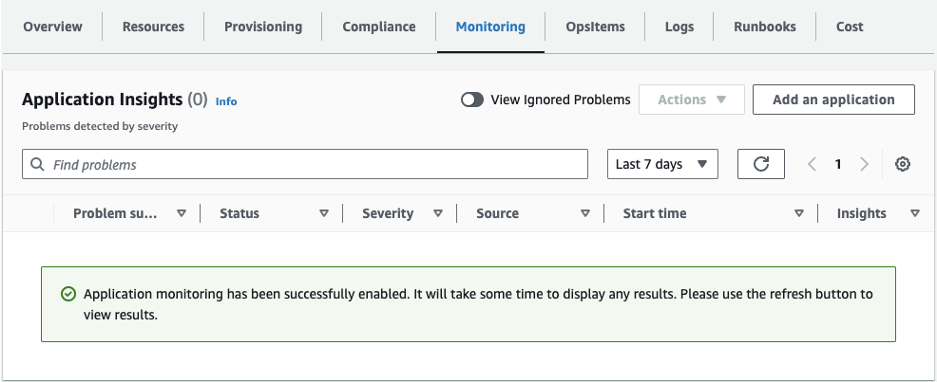
現在已啟用應用程式的監控,並顯示下列狀態方塊:
Application Insights 儀表板顯示成功的監控啟用訊息。