本文為英文版的機器翻譯版本,如內容有任何歧義或不一致之處,概以英文版為準。
如何將資料模型遞交至 Amazon Keyspaces 和 Apache Cassandra
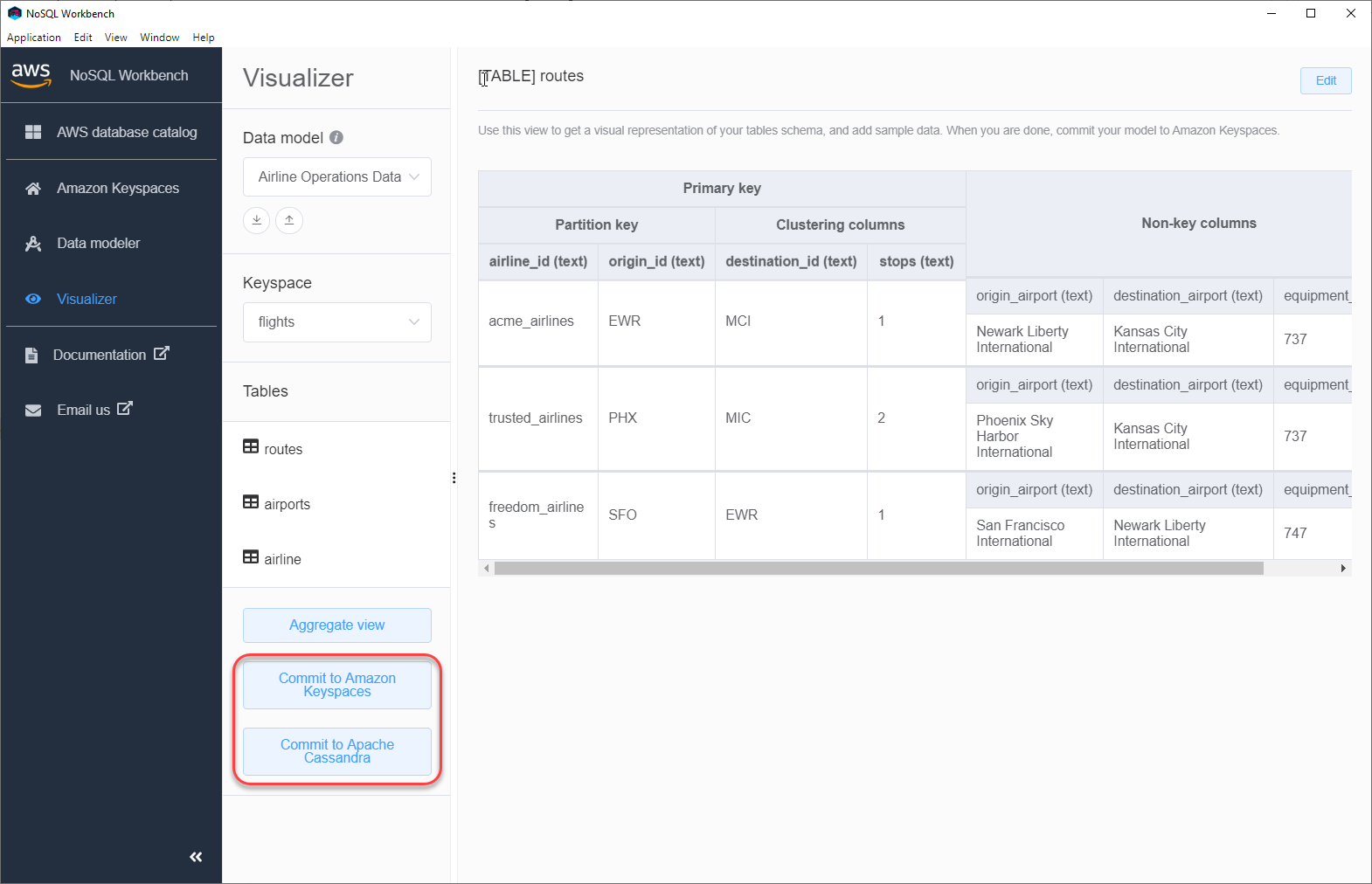
本節說明如何將完成的資料模型遞交至 Amazon Keyspaces 和 Apache Cassandra 叢集。此程序會根據您在資料模型中定義的設定,自動建立金鑰空間和資料表的伺服器端資源。
主題
開始之前
Amazon Keyspaces 需要使用 Transport Layer Security (TLS) 來協助保護與用戶端的連線。若要使用 TLS 連線至 Amazon Keyspaces,您必須先完成下列任務,才能開始。
-
下載下列數位憑證,並將檔案儲存在本機或主目錄中。
AmazonRootCA1
AmazonRootCA2
AmazonRootCA3
AmazonRootCA4
Starfield Class 2 根目錄 (選用 – 用於回溯相容性)
若要下載憑證,您可以使用下列命令。
curl -O https://www.amazontrust.com/repository/AmazonRootCA1.pem
curl -O https://www.amazontrust.com/repository/AmazonRootCA2.pem
curl -O https://www.amazontrust.com/repository/AmazonRootCA3.pem
curl -O https://www.amazontrust.com/repository/AmazonRootCA4.pem
curl -O https://certs.secureserver.net/repository/sf-class2-root.crt
注意
Amazon Keyspaces 先前使用錨定至 Starfield 類別 2 CA 的 TLS 憑證。 AWS 正在將所有 遷移 AWS 區域 至根據 Amazon Trust Services (Amazon 根 CAs 發行的憑證。在此轉換期間,請將用戶端設定為信任 Amazon 根 CAs1–4 和 Starfield 根,以確保所有區域的相容性。
使用範例中的名稱
keyspaces-bundle.pem,將所有下載的憑證合併成單一pem檔案。您可以執行下列 命令,即可進行新增:請記下 檔案的路徑,您稍後會需要此項目。cat AmazonRootCA1.pem \ AmazonRootCA2.pem \ AmazonRootCA3.pem \ AmazonRootCA4.pem \ sf-class2-root.crt \ >keyspaces-bundle.pem
儲存憑證檔案之後,您可以連線至 Amazon Keyspaces。其中一個選項是使用服務特定的登入資料進行連線。服務特定的登入資料是與特定 IAM 使用者相關聯的使用者名稱和密碼,只能與指定的服務搭配使用。第二個選項是與使用 AWS Signature 第 4 版程序 (SigV4) 的 IAM 登入資料連線。若要進一步了解這兩個選項,請參閱 建立 Amazon Keyspaces 的程式設計存取憑證。
若要使用服務特定的登入資料進行連線,請參閱 使用服務特定的登入資料連線至 Amazon Keyspaces。
若要使用 IAM 登入資料連線,請參閱 使用 AWS Identity and Access Management (IAM) 登入資料連線至 Amazon Keyspaces。
