Amazon Monitron 不再向新客戶開放。現有客戶可以繼續正常使用該服務。如需類似 Amazon Monitron 的功能,請參閱我們的部落格文章
本文為英文版的機器翻譯版本,如內容有任何歧義或不一致之處,概以英文版為準。
應用程式設定
本節說明如何變更您的 Amazon Monitron 應用程式和主控台設定。
主題
當地語系化設定
Amazon Monitron 應用程式會從 Web 瀏覽器或手機偵測裝置的位置,並使用此資訊在應用程式中填入預設設定。的預設設定 Amazon Monitron 包括:語言、日期/時間格式和數字格式 (逗號與小數)。
目前支援的語言 Amazon Monitron 包括:
-
英文
-
法文
-
西班牙文
-
葡萄牙文 (BR)
主控台也支援應用程式支援的任何語言。
當特定區域無法使用語言時, Amazon Monitron 應用程式預設為英文和美國單位/數字格式。應用程式會偵測您的位置一次,然後使用這些預設值,直到您手動變更為止。
變更當地語系化設定
您可以變更 Web 和行動應用程式以及 主控台 Amazon Monitron 的語言設定。
變更當地語系化設定
-
在應用程式的設定選單中更新並儲存您的語言、測量和溫度設定。
重要
您對語言或單位設定所做的任何變更都會儲存在本機瀏覽器中,並套用至您在相同瀏覽器中開啟的任何專案。這些變更不會跨裝置共用。
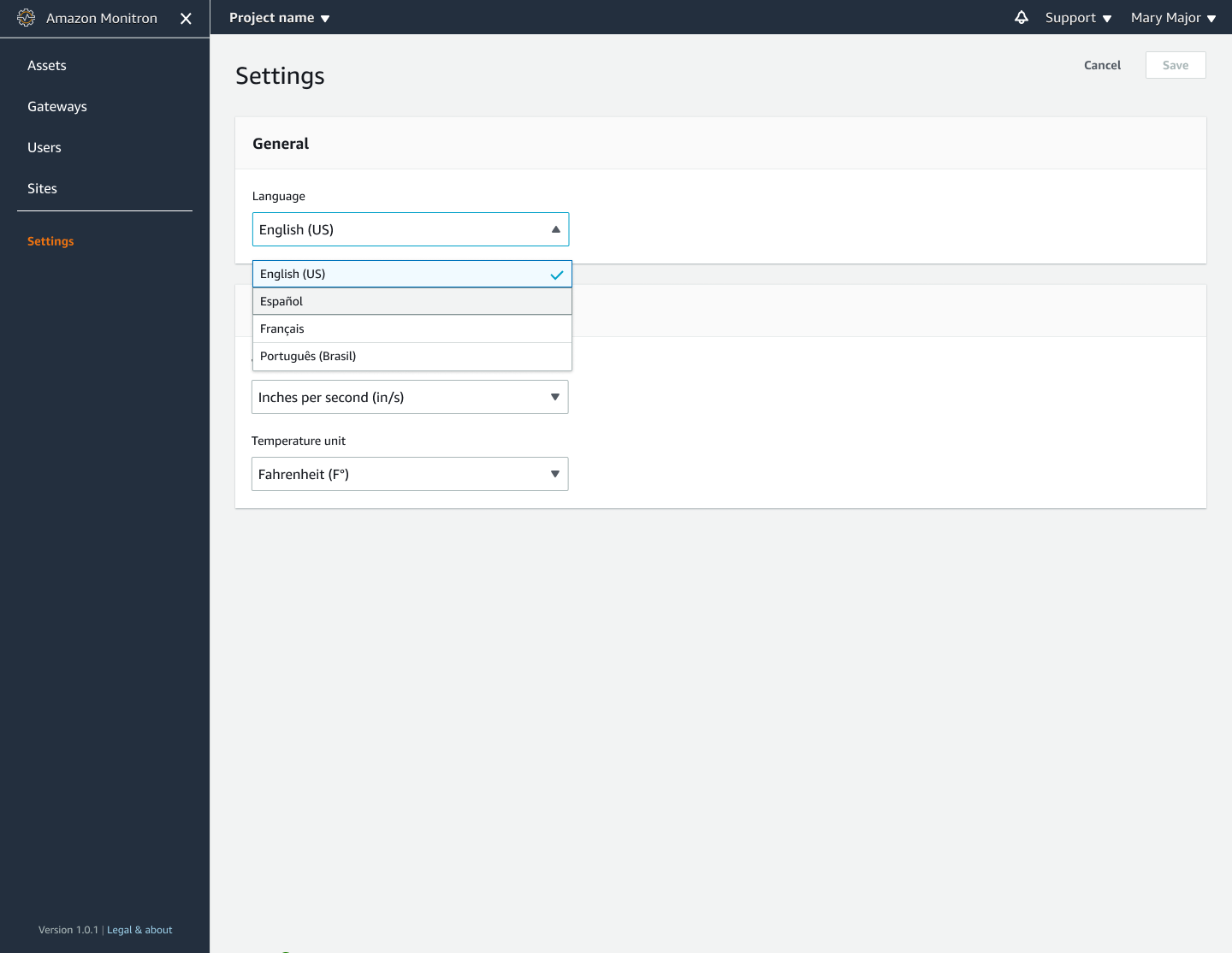
Web 應用程式檢視
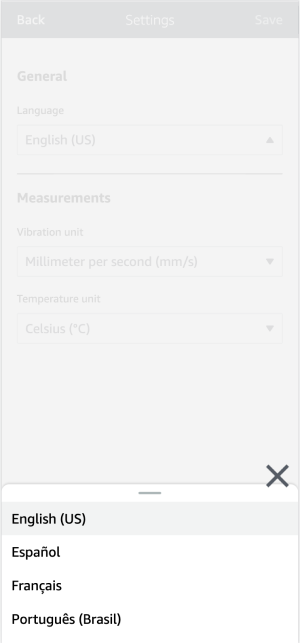
行動應用程式檢視
-
選擇儲存。
-
如果您變更兩個或多個設定,您將會看到下列提醒橫幅:
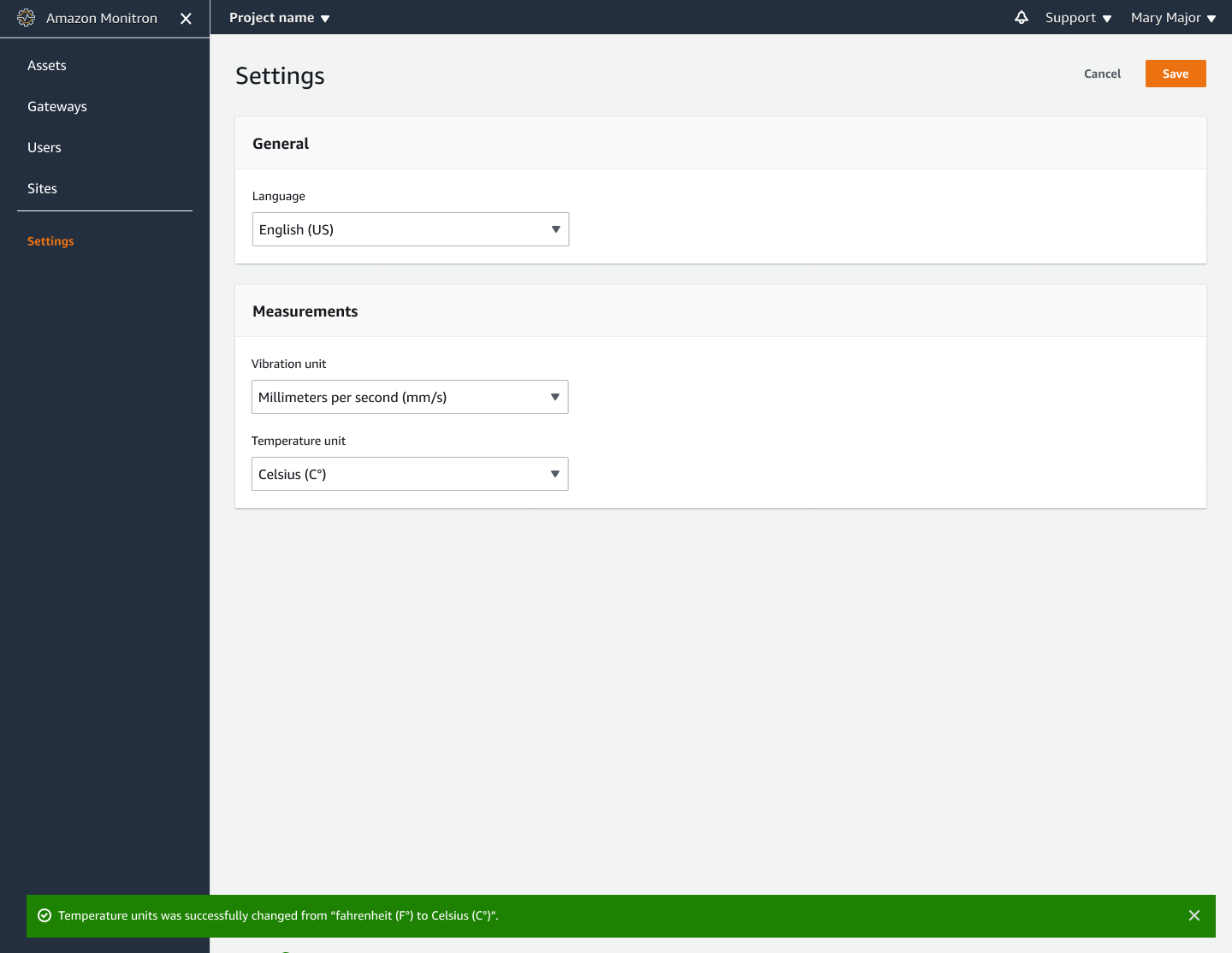
Web 應用程式檢視
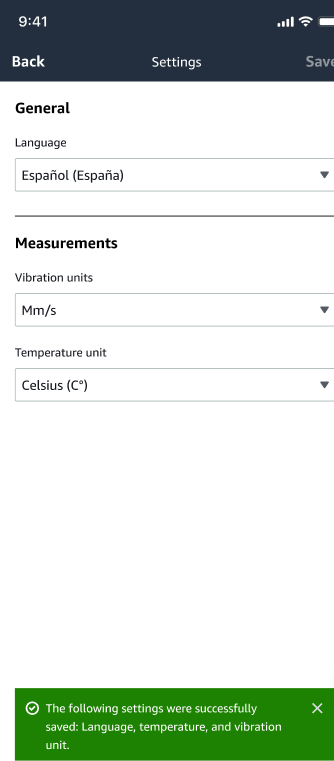
行動應用程式檢視
-
如果您離開設定選單而不儲存,您將會看到下列提醒:

Web 應用程式檢視

行動應用程式檢視
