本文属于机器翻译版本。若本译文内容与英语原文存在差异,则一律以英文原文为准。
如何获取特定尺寸的静态地图
在本主题中,您将了解如何使用 Amazon Location Service 为静态地图设置尺寸(高度和宽度)。通过自定义地图图像的尺寸,您可以在性能、视觉质量和可用性之间取得平衡。width 和 height 的最大值均为 1400 像素,最小值为 64 像素。结果的最大大小为 6 MB。
此外,您还可以使用 bbox 和 bounds 参数以及 padding 来确保地图边缘附近的特征能够完全显示出来,而不会被裁剪掉。
获取具有特定高度和宽度的地图图像
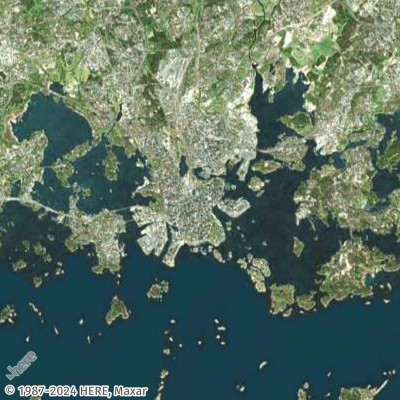
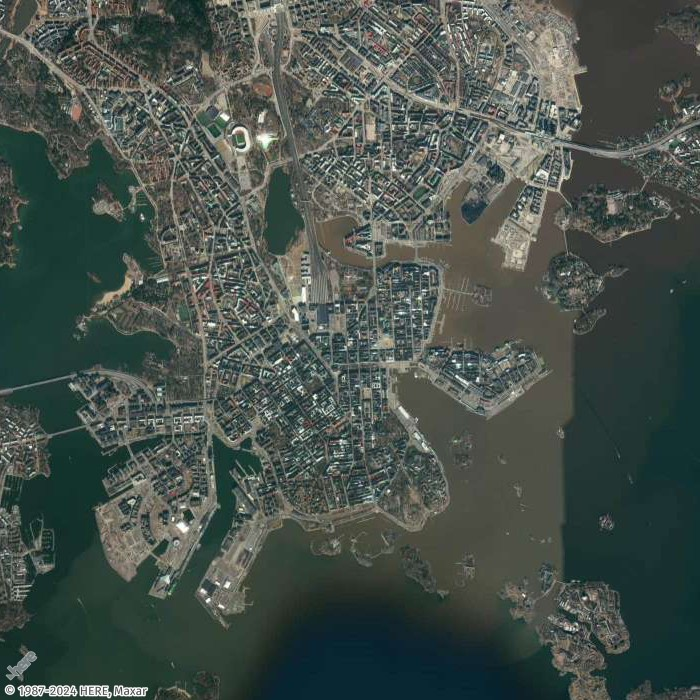
在本示例中,您将创建芬兰赫尔辛基的低分辨率和中等分辨率的地图图像。
- Request URL for low-resolution thumbnail
-
https://maps.geo.eu-central-1.amazonaws.com/v2/static/map?style=Satellite&width=200&height=200&zoom=11.5¢er=24.9460,60.1690&key=API_KEY
- Response (Thumbnail 200x200)
-
- Request URL for mid-resolution image
-
https://maps.geo.eu-central-1.amazonaws.com/v2/static/map?style=Satellite&width=700&height=700&zoom=13¢er=24.9460,60.1690&key=API_KEY
- Response image (700x700)
-
获取四周均带填充的地图图像
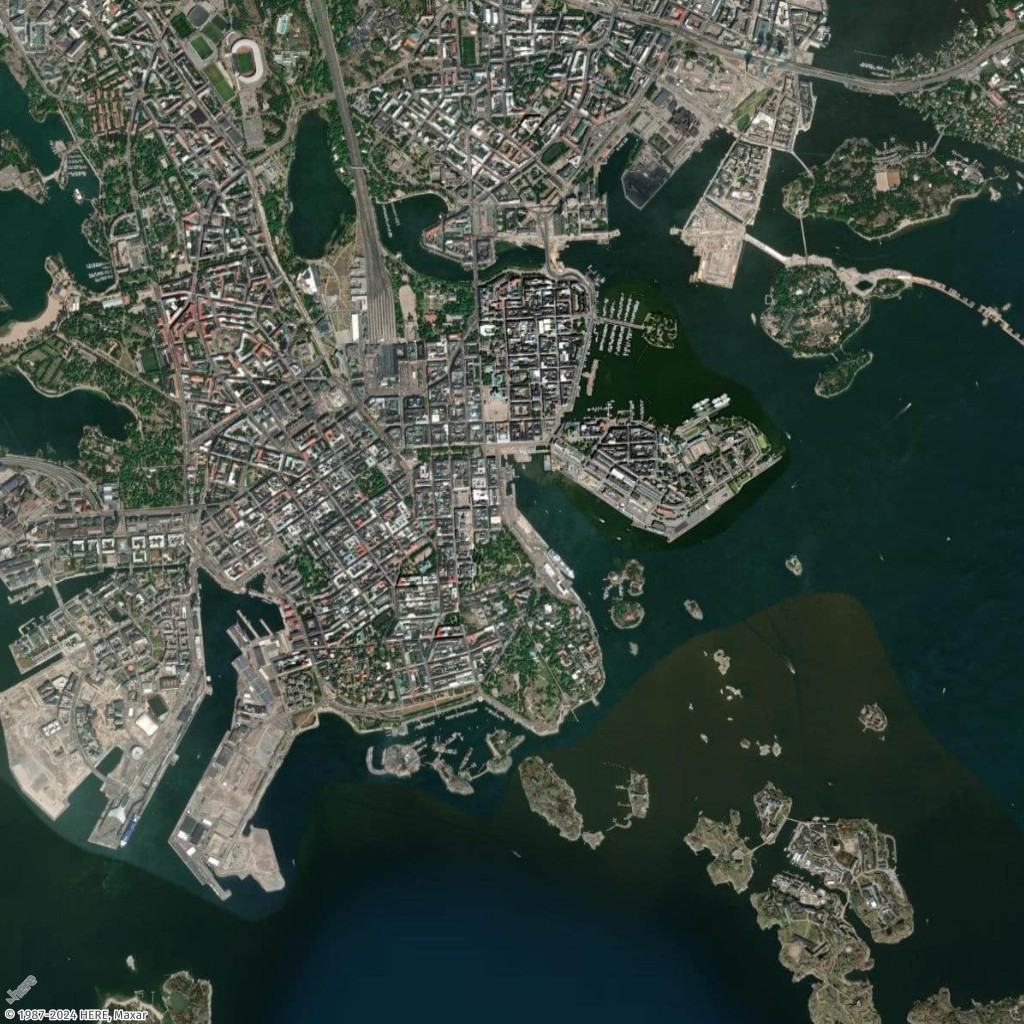
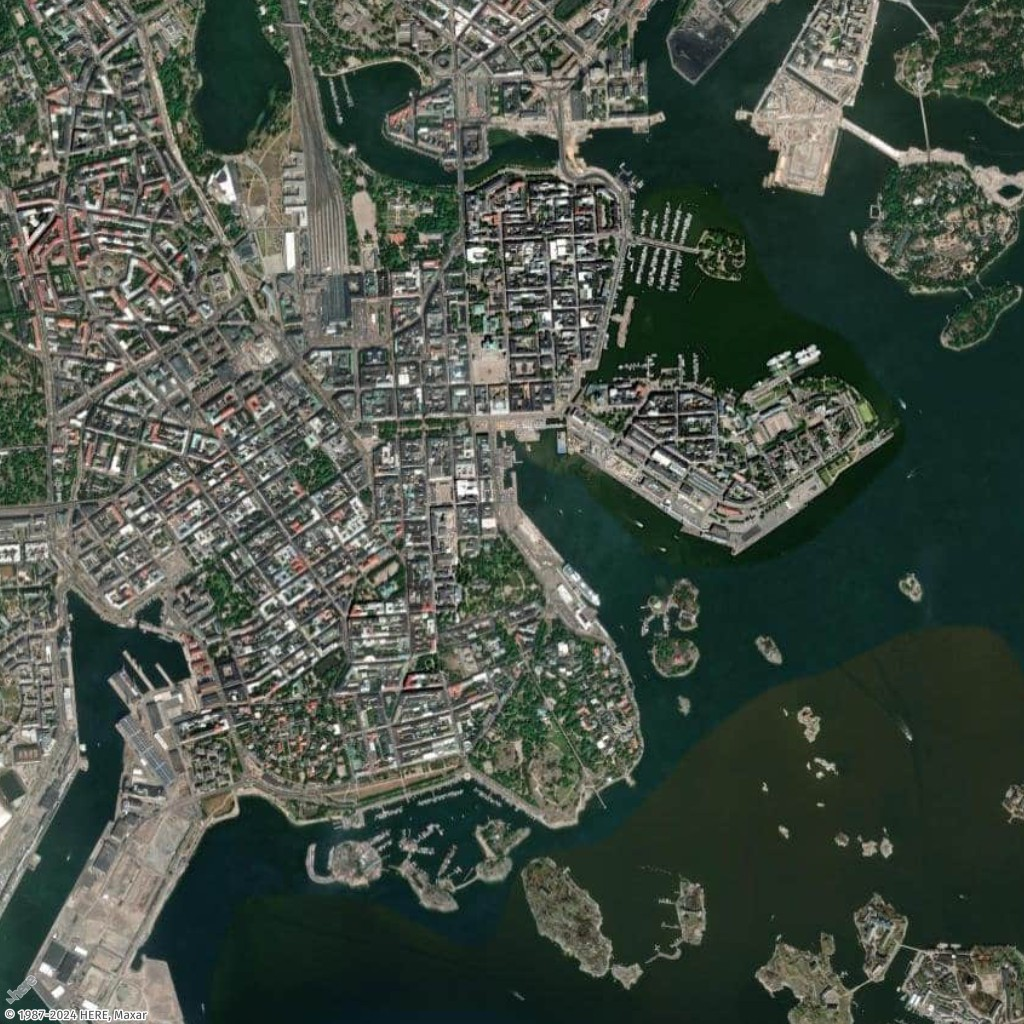
在本示例中,您将使用芬兰赫尔辛基的几个必游之地及其坐标(经度、纬度)生成地图,提供带填充和不带填充两种版本。
- Request URL with padding
-
https://maps.geo.eu-central-1.amazonaws.com/v2/static/map?style=Satellite&width=1024&height=1024&padding=150&bounded-positions=24.9526,60.1692,24.9850,60.1465,24.9270,60.1725,24.9226,60.1826,24.9509,60.1675,24.9566,60.1685,24.9457,60.1674,24.9397,60.1719,24.9414,60.1715,24.9387,60.1720&key=API_KEY
- Response image (with padding)
-
- Request URL without padding
-
https://maps.geo.eu-central-1.amazonaws.com/v2/static/map?style=Satellite&width=1024&height=1024&bounded-positions=24.9526,60.1692,24.9850,60.1465,24.9270,60.1725,24.9226,60.1826,24.9509,60.1675,24.9566,60.1685,24.9457,60.1674,24.9397,60.1719,24.9414,60.1715,24.9387,60.1720&key=API_KEY
- Response image (without padding)
-