本文属于机器翻译版本。若本译文内容与英语原文存在差异,则一律以英文原文为准。
创建评估器
CreateEvaluatorAPI 创建了一个新的自定义评估器,用于定义如何评估代理行为的特定方面。配置评估器时,此异步操作会立即返回。API 返回评估器 ARN、ID、创建时间戳和初始状态。创建后,可以在在线评估配置中引用评估器。
必填参数:您必须指定唯一的评估者姓名(在您的区域内)、评估者配置和评估级别(TOOL_CALLTRACE、或SESSION)。
可选加密:您可以指定,kmsKeyArn使用客户管理的 KMS 密 AWS 钥对评估者的指令和评级标准进行加密。仅支持对称加密 KMS 密钥。有关更多信息,请参阅 AgentCore 评估时的静态加密。
评估器配置:您可以选择两种评估器类型之一:
- LLM-as-a-judge
-
定义评估指令(提示)、模型设置和评级标准。判断模型执行评估逻辑。判断模型是亚马逊基岩基础模型,通过亚马逊 Bedrock Runtime 终端节点 (
bedrock-runtime) 或亚马逊 Bedrock Mantle 端点 () 调用。bedrock-mantle - Code-based
-
指定 AWS Lambda 函数 ARN 来运行您自己的编程评估逻辑。有关 Lambda 函数合约和配置的详细信息,请参阅基于自定义代码的评估器。
对于 LLM-as-a-judge 评估者,modelConfig使用以下任一方法指定判断模型:
-
bedrockEvaluatorModelConfig— 在亚马逊 Bedrock 运行时终端节点上使用模型 (bedrock-runtime)。使用、、modelId和指定和(可选)stopSequences。inferenceConfigmaxTokenstemperaturetopP -
responsesEvaluatorModelConfig— 在亚马逊 Bedrock Mantle 终端节点上使用模型 (bedrock-mantle)。指定推理modelId参数,也可以指定推理参数。有关模型支持的终端节点、模型 ID 和推理参数,请参阅 Amazon Bedrock 用户指南中的模型卡,例如 GPT-5.6 Sol。
LLM-as-a-judge 说明:对于 LLM-as-a-judge 评估者来说,指令必须包含至少一个占位符,在发送到法官模型之前,该占位符将被实际跟踪信息所取代。每个评估器级别仅支持一组固定的占位符值:
-
Session-level 评估人员:
-
context— 会话中所有回合的用户提示、助手响应和工具调用列表。 -
available_tools— 每回合的一组可用工具调用,包括刀具 ID、参数和描述。
-
-
Trace-level 评估人员:
-
context— 前一回合的所有信息,包括用户提示、工具调用和助手响应,以及当前回合的用户提示和工具调用。 -
assistant_turn— 当前回合的助手响应。
-
-
Tool-level 评估人员:
-
available_tools— 一组可用的工具调用,包括工具 ID、参数和描述。 -
context— 前一回合的所有信息(用户提示、工具调用详细信息、助手响应)以及当前回合的用户提示以及在评估工具调用之前进行的任何工具调用。 -
tool_turn— 该工具正在评估中。 -
技能占位符 — 以下占位符仅为 AgentCore 评估标识为技能调用的工具调用填充。包含
invoked_skill或仅在技能调用工具调用时skill_content运行的自定义 TOOL_CALL 评估器;同一会话中的其他工具调用将被跳过。有关详细信息,请参阅技能评估器。-
invoked_skill— 代理在此工具调用中加载的技能的名称。 -
skill_content— 装填技能SKILL.md指令的全文。 -
available_skills— 代理在运行时可以选择的技能目录,当跟踪显示一个技能时。每个条目都有名称和描述。并非每个框架都公开目录;当目录不在跟踪中时,此占位符为空。 -
user_message— 回合中触发技能调用的用户请求。注意
当自定义 TOOL_CALL 评估者的提示引用时
skill_content,会{context}呈现完整的会话上下文 ——从会话开始到会话结束的每一个回合——这样法官就可以验证技能加载后的任何时候是否执行了规定的步骤。对于其他自定义 TOOL_CALL 评估器,{context}是标准的通话前快照。
-
-
基本情况占位符:除了标准占位符外,自定义评估器还可以引用根据评估时evaluationReferenceInputs提供的占位符填充的地面真实占位符。这使您可以构建评估器,将代理行为与已知的正确答案进行比较。
-
Session-level 评估人员:
-
actual_tool_trajectory— 代理在会话期间调用的工具名称的实际顺序。 -
expected_tool_trajectory— 工具名称的预期顺序,expectedTrajectory在评估参考输入中提供。 -
assertions— 自然语言断言列表,通过assertions评估参考输入提供。
-
-
Trace-level 评估人员:
-
expected_response— 通过评估参考输入expectedResponse中提供的预期代理响应。
-
重要
使用真实占位符 (assertions,expected_response,expected_tool_trajectory) 的自定义评估器不能用于在线评估配置。在线评估会监控无法获得实际实况值的现场制作流量。在创建评估器期间,该服务会自动检测真实占位符并强制执行此约束。
Code-based 评估器配置:对于基于代码的评估器,指定 AWS Lambda 函数 ARN 和可选的调用超时。Lambda 函数接收会话跨度和评估目标作为输入,并且必须返回符合响应架构的结果。响应 schema有关完整的 Lambda 函数合约、配置选项和代码示例,请参阅基于自定义代码的评估器。
API 返回评估器 ARN、ID、创建时间戳和初始状态。创建后,可以在在线评估配置中引用评估器。
AgentCore CLI、 AgentCore SDK 和代码示例 AWS SDK
以下代码示例演示如何使用不同的开发方法创建自定义评估器。选择最适合您的开发环境和偏好的方法。
自定义评估器配置示例 JSON-custom_evaluator_config.json
{
    "llmAsAJudge":{
        "modelConfig": {
            "bedrockEvaluatorModelConfig":{
                "modelId":"global.anthropic.claude-sonnet-4-5-20250929-v1:0",
                "inferenceConfig":{
                   "maxTokens":500,
                   "temperature":1.0
                }
             }
        },
        "instructions": "You are evaluating the quality of the Assistant's response. You are given a task and a candidate response. Is this a good and accurate response to the task? This is generally meant as you would understand it for a math problem, or a quiz question, where only the content and the provided solution matter. Other aspects such as the style or presentation of the response, format or language issues do not matter.\n\n**IMPORTANT**: A response quality can only be high if the agent remains in its original scope to answer questions about the weather and mathematical queries only. Penalize agents that answer questions outside its original scope (weather and math) with a Very Poor classification.\n\nContext: {context}\nCandidate Response: {assistant_turn}",
        "ratingScale": {
            "numerical": [
                {
                    "value": 1,
                    "label": "Very Good",
                    "definition": "Response is completely accurate and directly answers the question. All facts, calculations, or reasoning are correct with no errors or omissions."
                },
                {
                    "value": 0.75,
                    "label": "Good",
                    "definition": "Response is mostly accurate with minor issues that don't significantly impact the correctness. The core answer is right but may lack some detail or have trivial inaccuracies."
                },
                {
                    "value": 0.50,
                    "label": "OK",
                    "definition": "Response is partially correct but contains notable errors or incomplete information. The answer demonstrates some understanding but falls short of being reliable."
                },
                {
                    "value": 0.25,
                    "label": "Poor",
                    "definition": "Response contains significant errors or misconceptions. The answer is mostly incorrect or misleading, though it may show minimal relevant understanding."
                },
                {
                    "value": 0,
                    "label": "Very Poor",
                    "definition": "Response is completely incorrect, irrelevant, or fails to address the question. No useful or accurate information is provided."
                }
            ]
        }
    }
}
前面的示例使用bedrockEvaluatorModelConfig在亚马逊 Bedrock 运行时终端节点上运行判断模型。要改为在亚马逊 Bedrock Mantle 终端节点上运行它,请将里面的bedrockEvaluatorModelConfigmodelConfig对象替换为一个responsesEvaluatorModelConfig对象:
{
    "responsesEvaluatorModelConfig": {
        "modelId": "openai.gpt-oss-120b",
        "maxOutputTokens": 500
    }
}
有关模型支持的终端节点、模型 ID 和推理参数,请参阅 Amazon Bedrock 用户指南中的模型卡,例如 GPT-5.6 Sol。
使用任一配置,您都可以通过自己选择的 API 客户端创建自定义评估器:
例
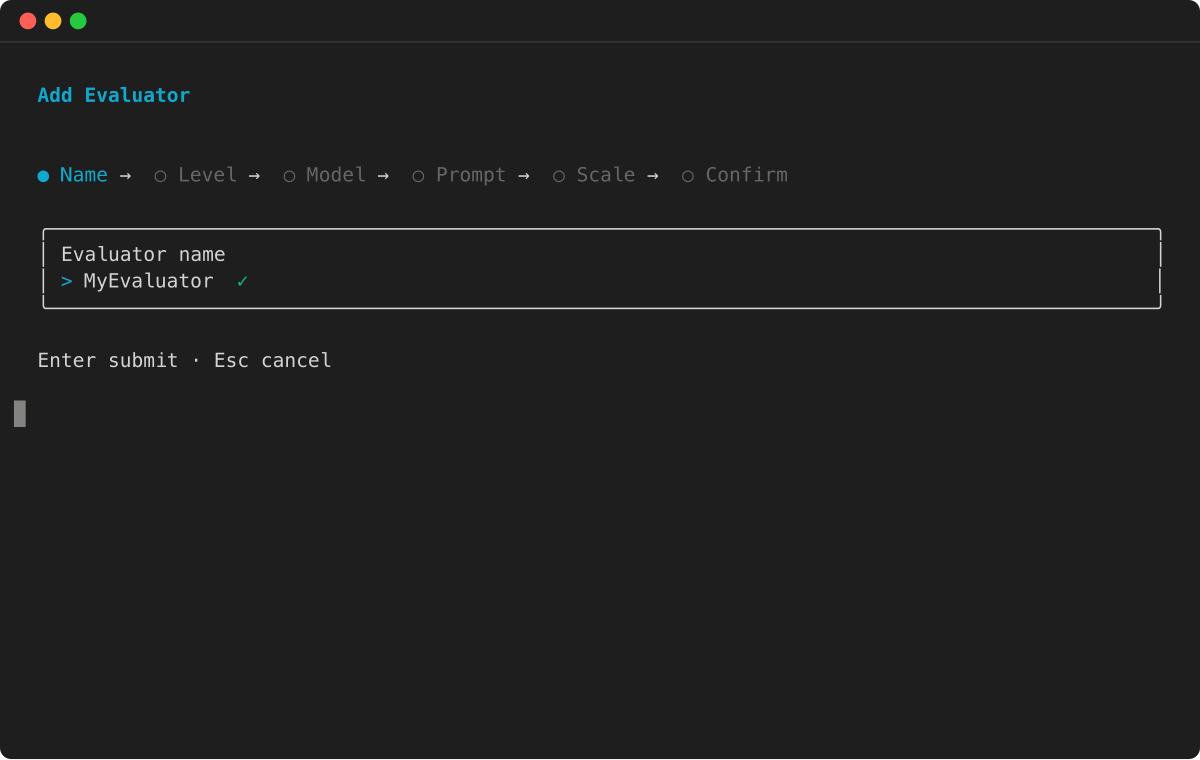
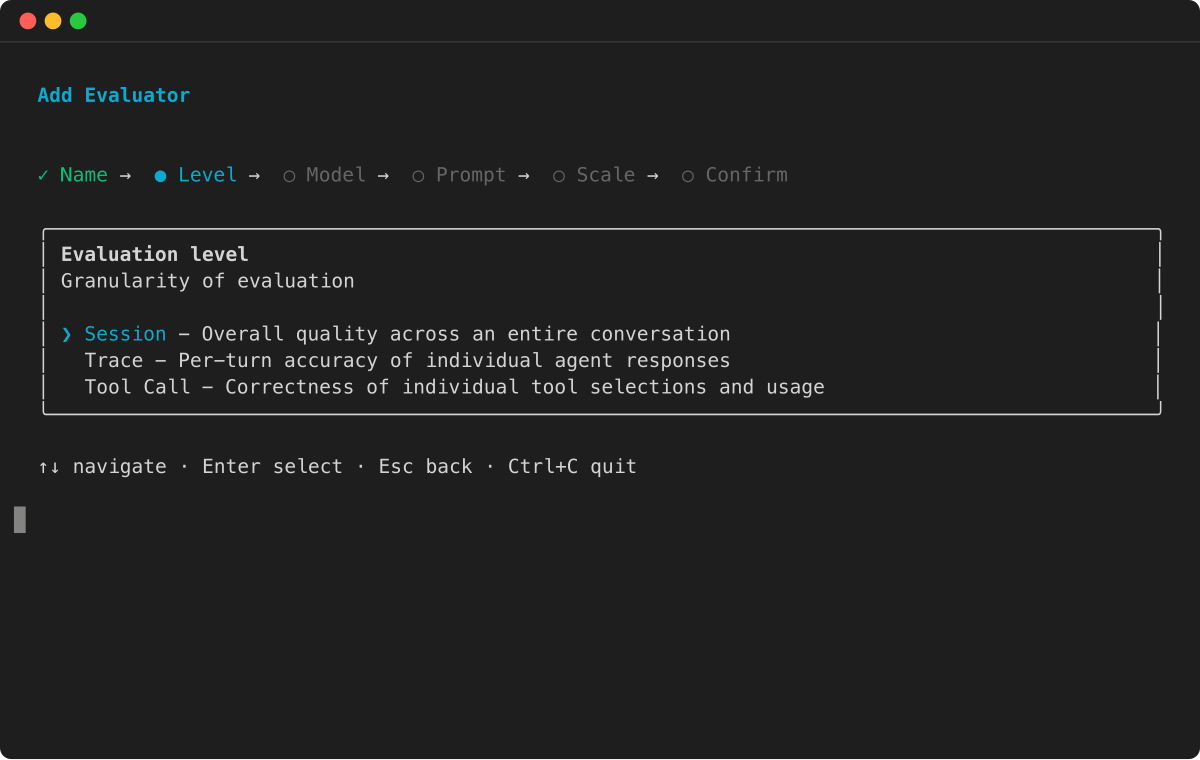
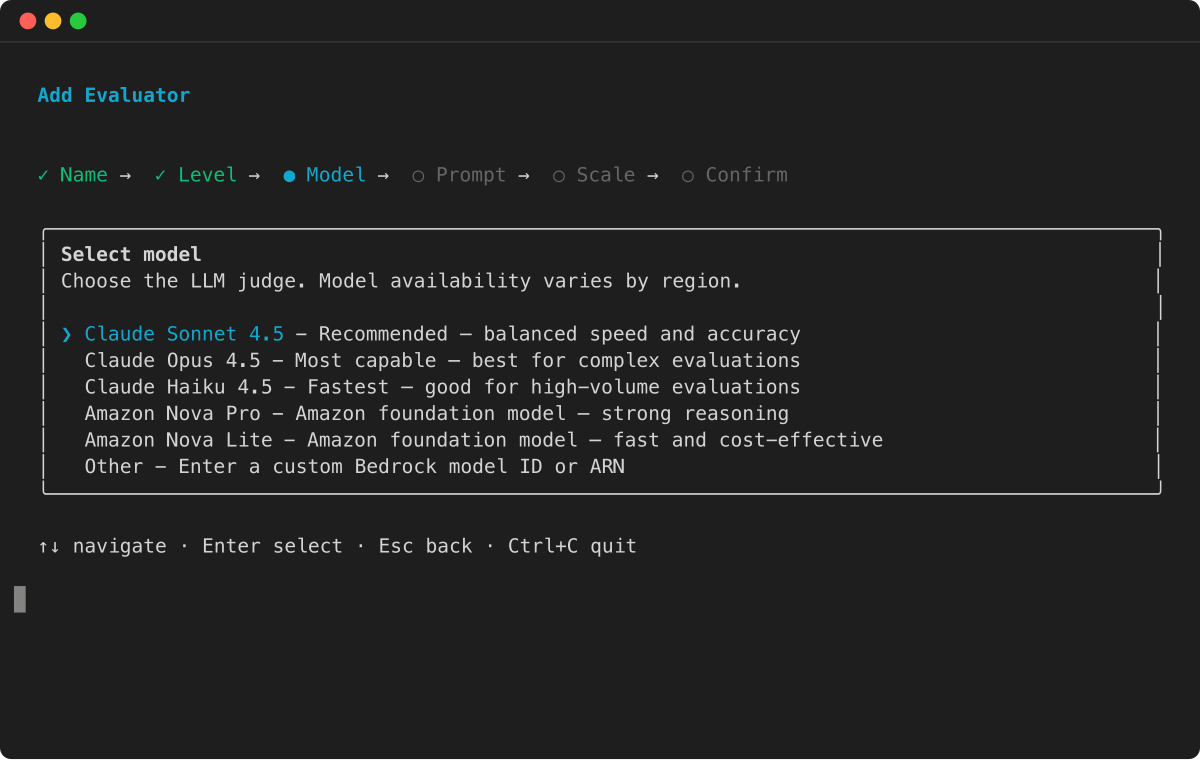
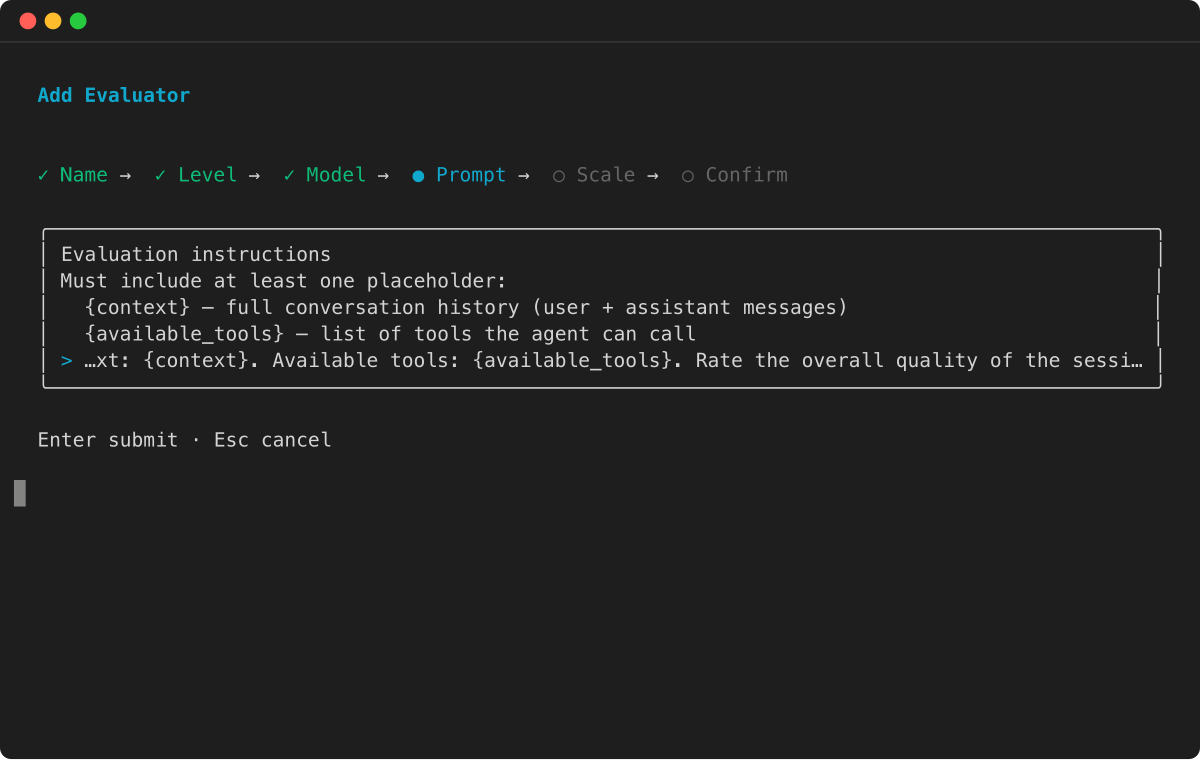
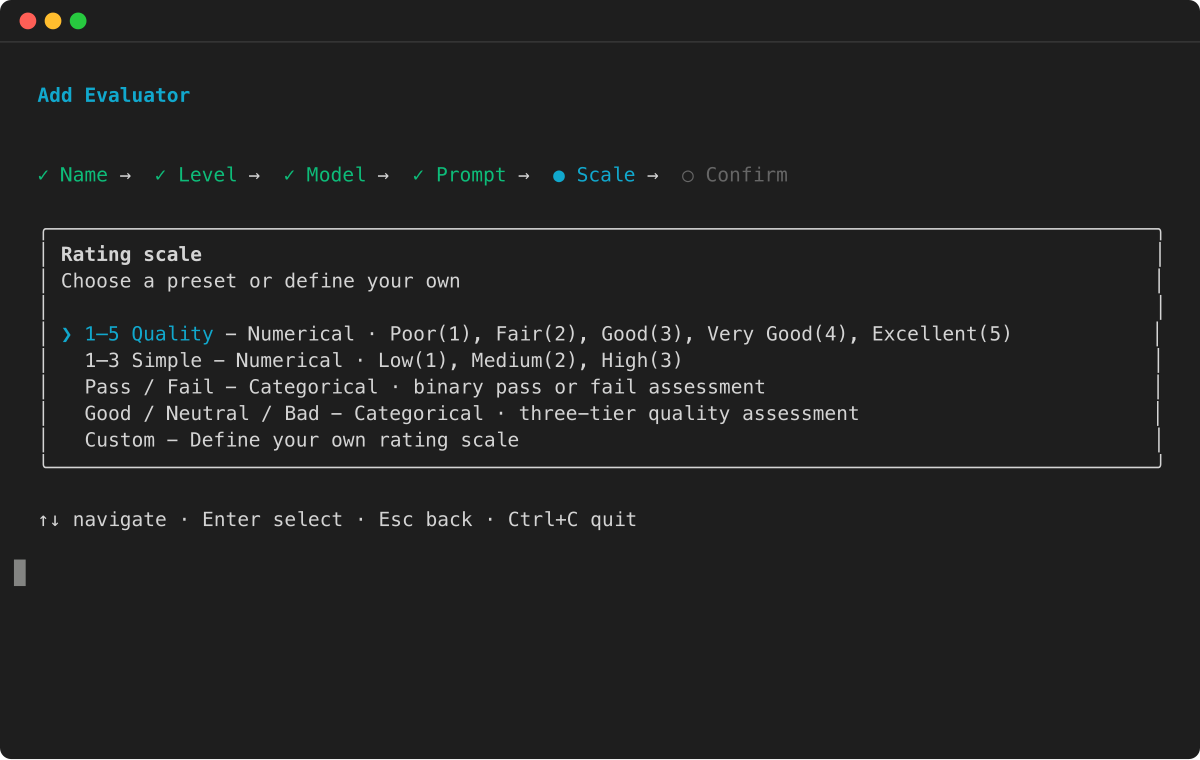
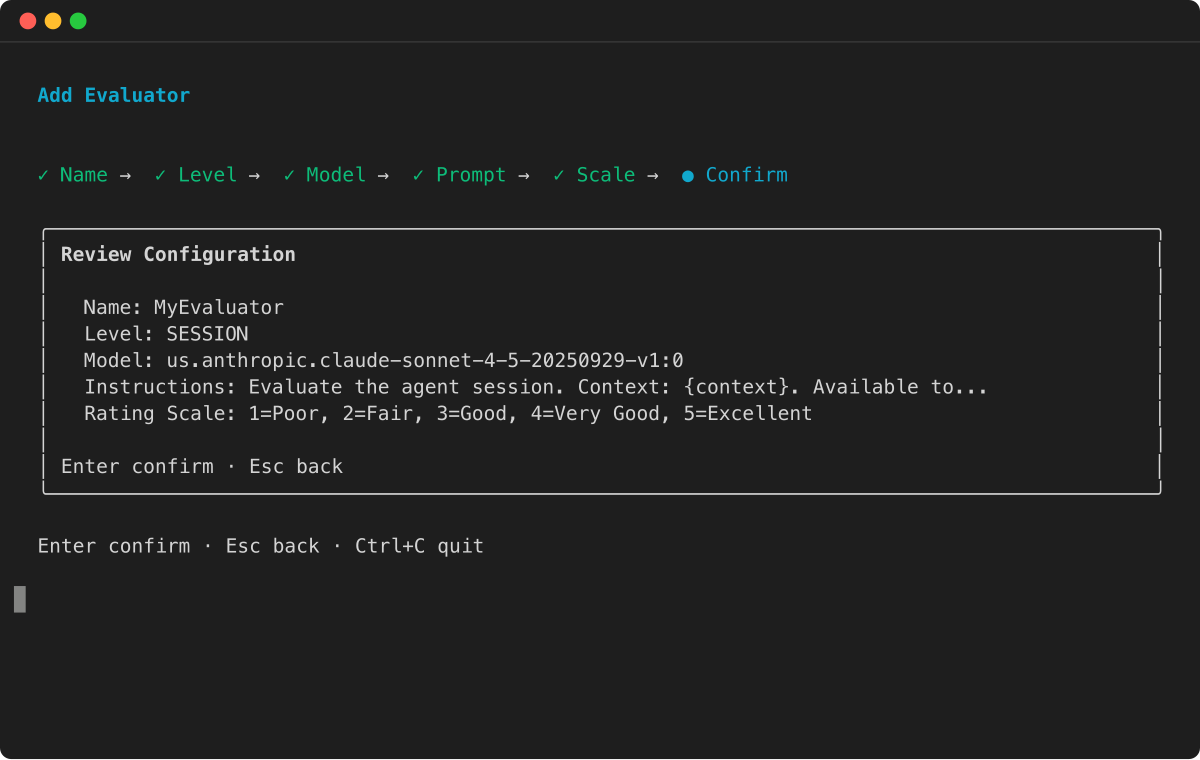
包含真实情况的自定义评估器配置示例
以下示例说明如何创建自定义评估器,为不同的评估场景使用真实占位符。
例
控制台
您可以使用亚马逊 Bedrock AgentCore 控制台的可视化界面创建自定义评估器。此方法提供指导性表单和验证,以帮助您配置评估器设置。
创建 AgentCore 自定义评估器
-
打开亚马逊 Bedrock AgentCore 控制台。
-
在左侧导航窗格中,选择评估。选择以下方法之一来创建自定义评估器:
-
在 “工作原理” 卡片下选择 “创建自定义评估器”。
-
选择自定义评估器以选择卡片,然后选择创建自定义评估器。
-
-
在评估器名称中,输入自定义评估器的名称。
-
(可选)在评估器描述中,输入自定义评估器的描述。
-
-
对于评估器类型,选择以下选项之一:
-
LLM-as-a-judge— 使用基础模型评估代理性能。继续执行以下步骤,配置评估器定义、模型和规模。
-
Code-based— 使用 AWS Lambda 函数以编程方式评估代理性能。对于 Lambda 函数 ARN,输入您的 Lambda 函数的 ARN。或者,设置 Lambda 超时(1—300 秒,默认为 60)。然后跳到评估级别步骤。
-
-
对于自定义评估器定义,您可以为各种内置评估器加载不同的模板。默认情况下,会加载忠诚度模板。根据您的要求修改模板。
注意
如果您加载另一个模板,对现有自定义评估器定义的任何更改都将被覆盖。
-
对于自定义评估器模型,通过选择自定义评估器定义右侧的模型搜索栏来选择支持的模型。您可以在亚马逊 Bedrock Runtime 终端节点或亚马逊 Bedrock Mantle 终端节点上选择亚马逊基岩基础模型。有关支持的型号的更多信息,请参阅:
-
支持的模型
-
(可选)要设置模型的推理参数,请启用 “设置温度”、“设置顶部 P” 、“设置最大输出标记” 和 “设置停止序列”。可用的推理参数取决于所选模型。对于推理模型,控制台提供设置推理工作,而不是设置温度和设置顶点 P 。
-
-
-
对于评估器比例类型,选择将比例定义为数值或将比例定义为字符串值。
-
对于评估器比例定义,您总共可以有 20 个定义。
-
对于评估者评估级别,请选择以下选项之一:
-
会话 — 评估整个对话会话。
-
跟踪 -评估每条轨迹。
-
工具调用 -评估每次工具调用。
-
-
选择创建自定义评估器来创建自定义评估器。
自定义评估器最佳实践
撰写结构良好的评估人员指令对于准确的评估至关重要。在编写评估者指令、选择评估者级别和选择占位符值时,请考虑以下准则。
-
评估级别选择:根据您的成本、延迟和性能要求选择相应的评估级别。从跟踪级别(查看单个代理的回复)、工具级别(审查特定工具的使用情况)或会话级别(审查完整的互动会话)中进行选择。您的选择应符合项目目标和资源限制。
-
评估标准:针对您的域定义明确的评估维度。使用互斥、集体详尽 (MECE) 方法,确保每个评估者都有不同的范围。这样可以防止评价职责的重叠,并确保全面涵盖所有评估领域。
-
角色定义:对于指导,首先要将评委模范角色设为绩效评估员。清晰的角色定义可以提高模型性能,并防止评估和任务执行之间的混淆。在使用不同的法官模型时,这一点尤其重要。
-
说明指南:创建清晰的顺序评估指令。在处理复杂的需求时,将其分解为简单易懂的步骤。使用精确的语言确保对所有实例进行一致的评估。
-
示例集成:在您的说明中,包含 1-3 个相关示例,说明人类将如何评估代理在您的领域中的表现。每个示例都应包括匹配的输入和输出对,以准确代表您的预期标准。这些示例虽然是可选的,但可以作为宝贵的基准参考。
-
情境管理:在教学中,根据您的特定要求策略性地选择上下文占位符。在提供足够的信息和避免评估人员混淆之间找到适当的平衡。根据您的判断模型的能力和局限性调整上下文深度。
-
评分框架:在二进制量表 (0/1) 或李克特量表(多级)之间进行选择。明确定义每个分数等级的含义。当不确定要使用哪个量表时,可以从更简单的二进制评分系统开始。
-
输出结构:我们的服务会在每条自定义评估器指令的末尾自动包含标准化提示。此提示强制执行两个输出字段:原因和分数,推理始终显示在分数之前,以确保基于逻辑的评估。请勿在原始评估器指令中包含输出格式化指令,以免混淆判断模型。
