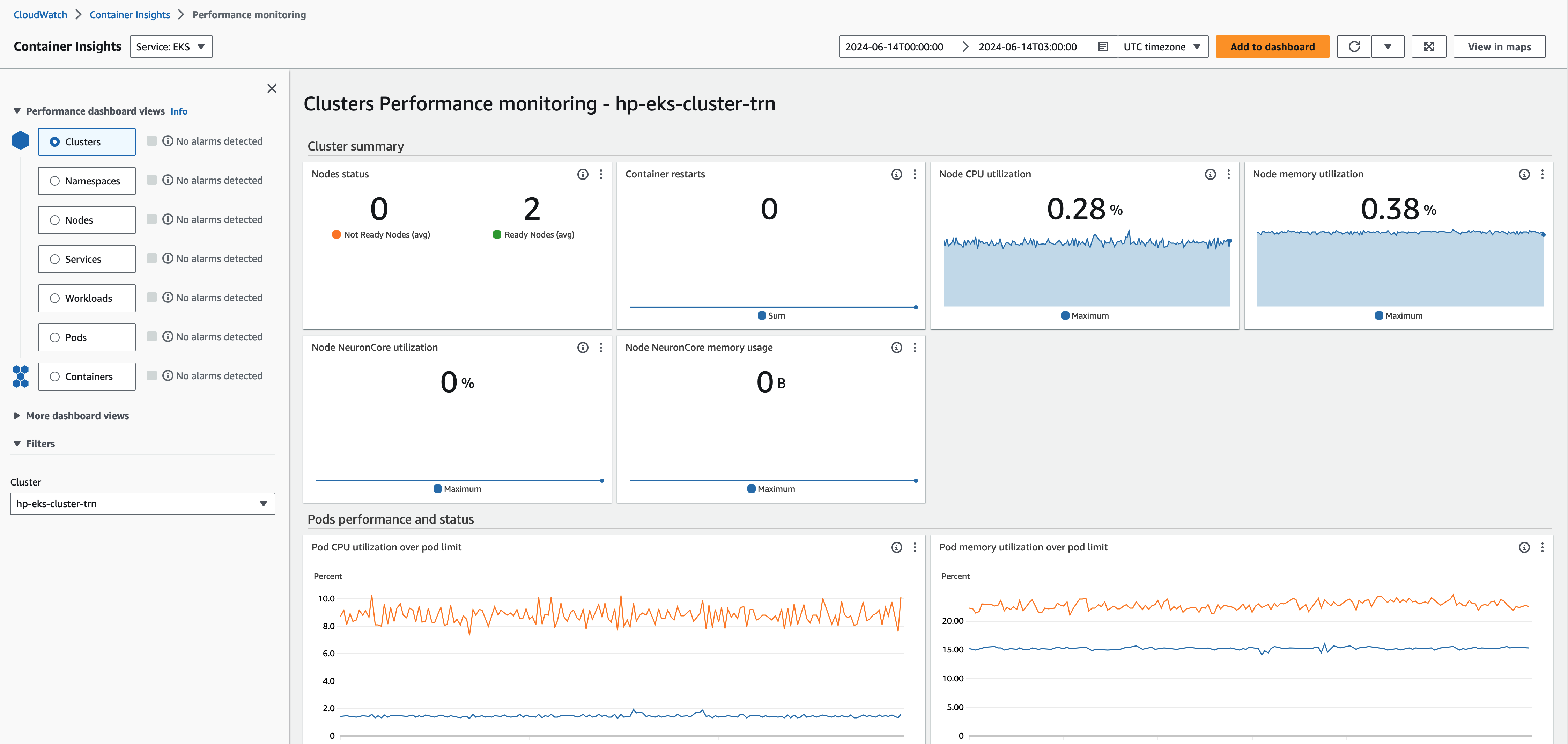
Access CloudWatch container insights dashboard
Open the CloudWatch console at https://console.aws.amazon.com/cloudwatch/
. -
Choose Insights, and then choose Container Insights.
-
Select the EKS cluster set up with the HyperPod cluster you're using.
-
View the Pod/Cluster level metrics.