End of development notice: AWS is discontinuing development of Research and Engineering Studio on AWS (RES). 2026.09 is the final release, supported through September 30, 2027. RES remains open source and keeps running in your account. For more information, see RES end of support.
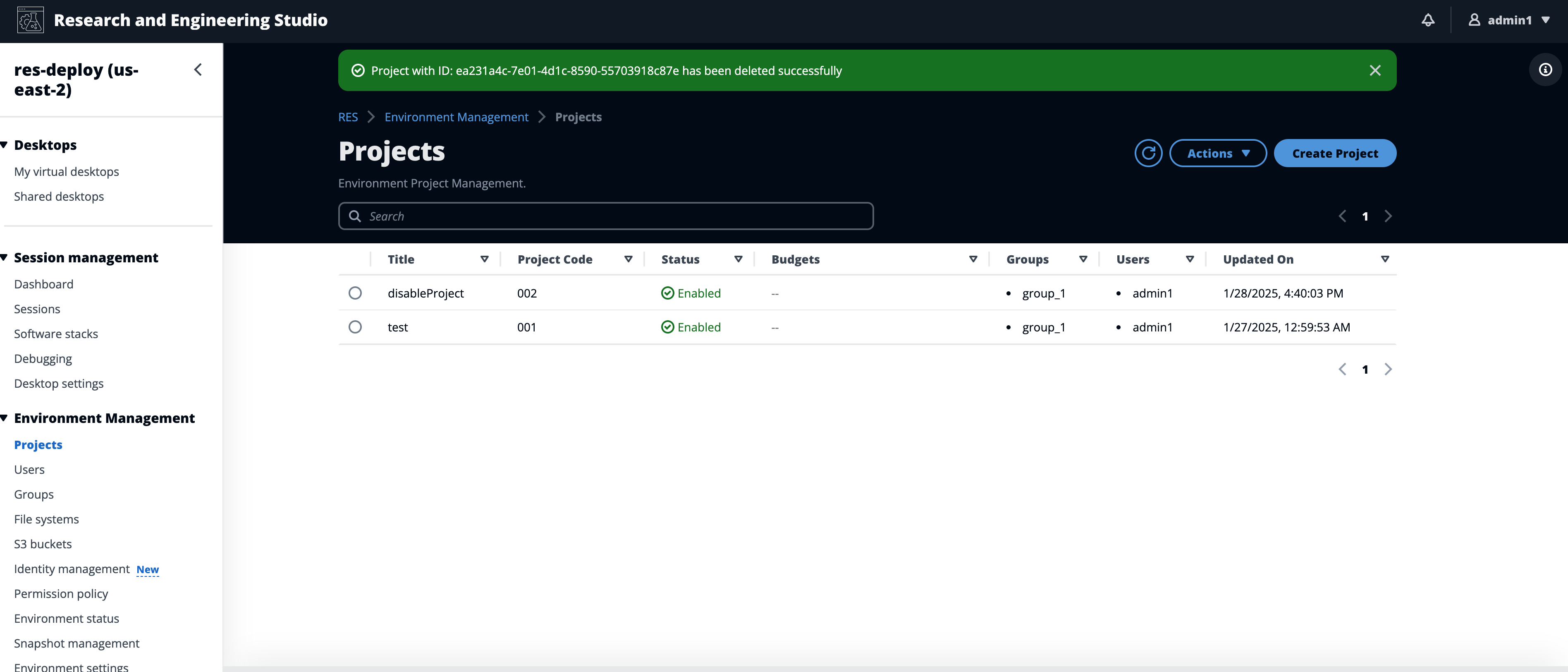
Delete a project
To delete a project:
-
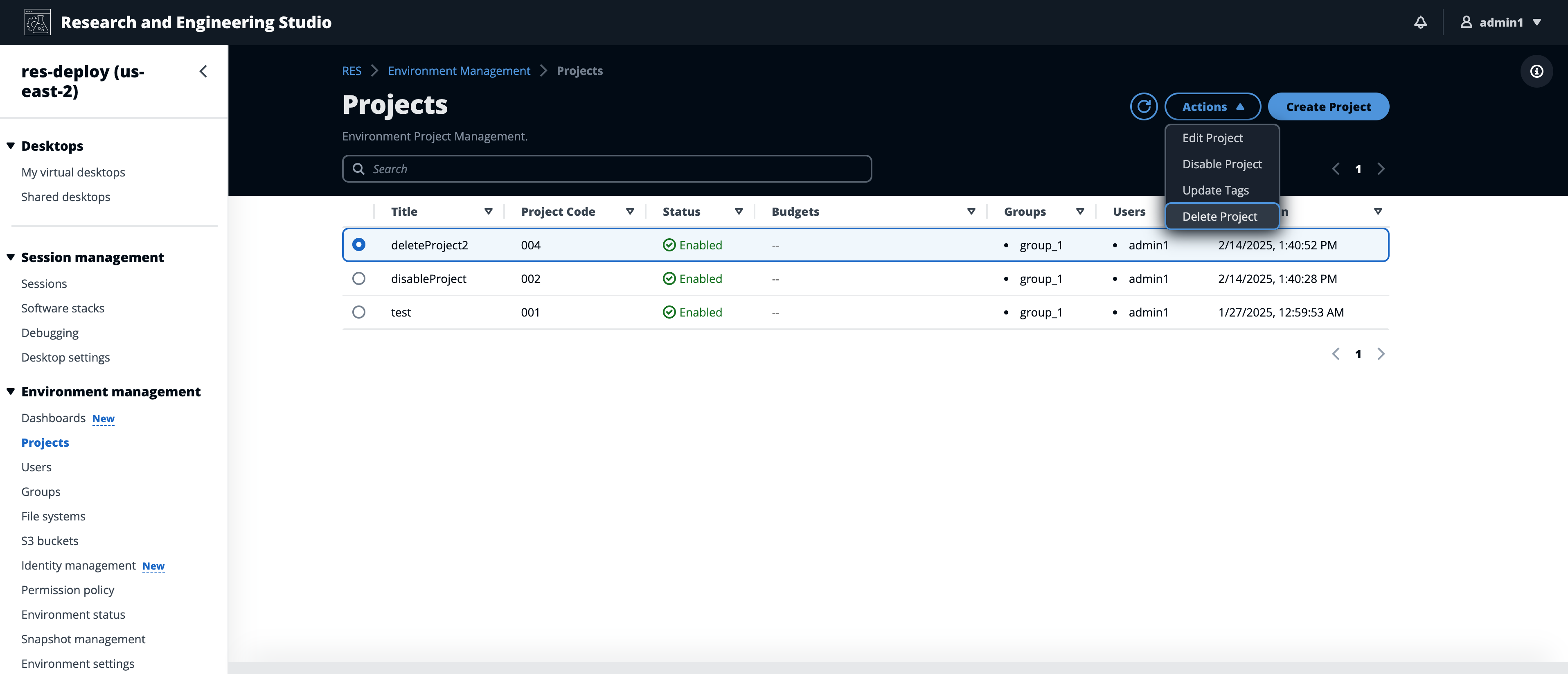
Choose a project in the project list.
-
From the Actions menu, choose Delete Project.
-
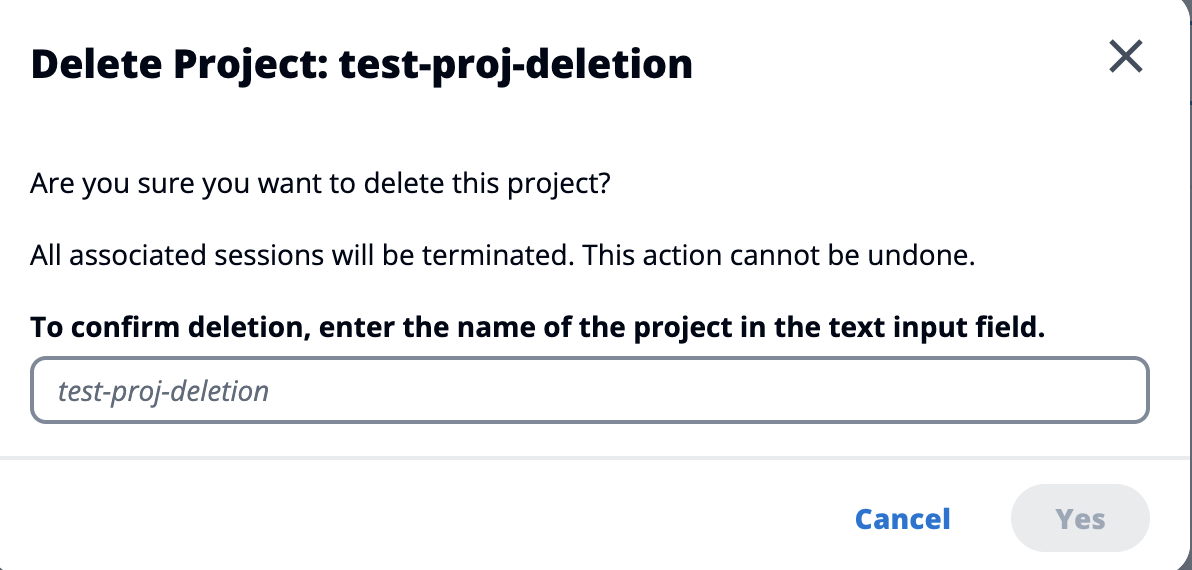
A confirmation pop-up appears. Enter the name of the project, then choose Yes to delete it.
-
If a project is deleted, all VDI sessions associated with that project are terminated.