Deleting a session template
You can delete a session template when you're completely done with it.
Note
Deleting a session can't be undone. Active sessions that were created with a deleted template won't be affected. However, any assigned users will no longer see the template available when they create a new session.
-
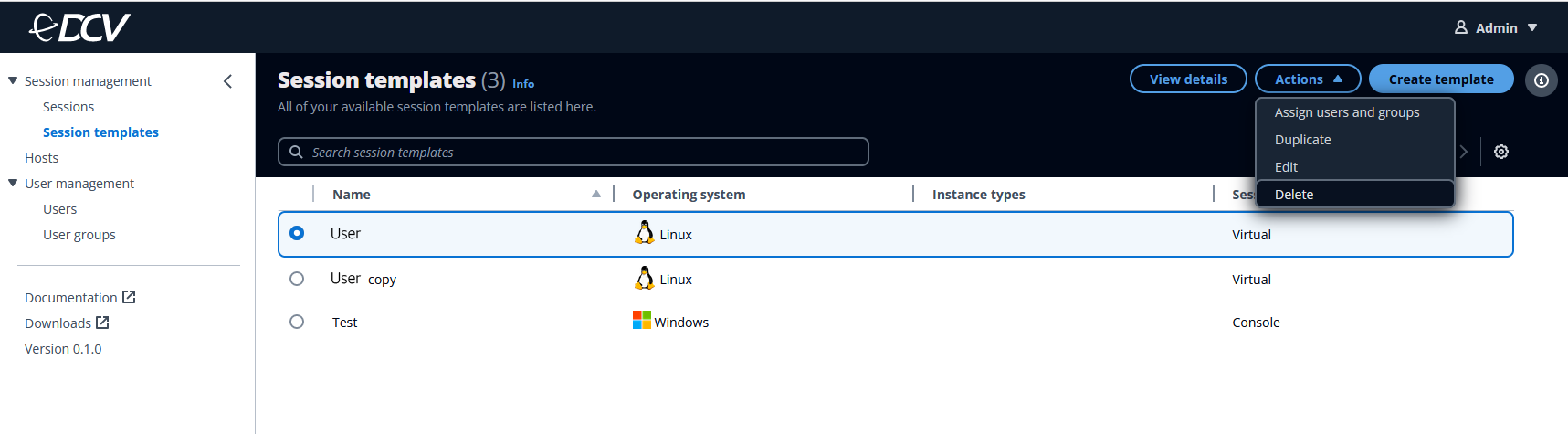
Select the session template that you want to delete.
-
Click on the Actions button.
-
Select Delete from the drop-down menu.
-
Click on the Delete button in the window that appears.
