# Setting Up AWS Config with the Console
The AWS Management Console provides a quick and streamlined process for setting up AWS Config.
## Setting up
**To set up AWS Config with the console**
1. Sign in to the AWS Management Console and open the AWS Config console at [https://console.aws.amazon.com/config/home](https://console.aws.amazon.com/config/home).
1. If this is the first time you are opening the AWS Config console or you are setting up AWS Config in a new region, the AWS Config console page looks like the following:
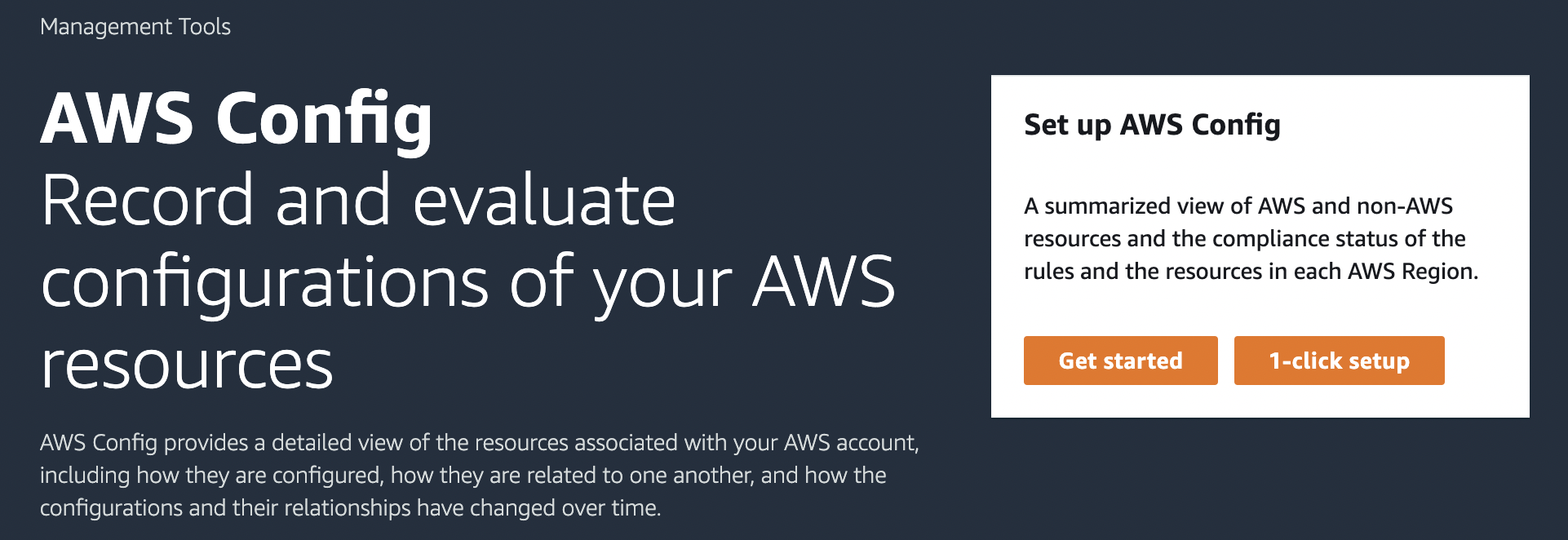
1. Choose **1-click setup** to launch AWS Config based on AWS best practices. You can also choose **Get started** to go through a more detailed setup process.
**Topics**
+ [Setting up](#gs-console-setting-up.title)
+ [1-click setup](1-click-setup.md)
+ [Manual setup](manual-setup.title.md)