Amazon Monitron is no longer open to new customers. Existing customers can
continue to use the service as normal. For capabilities similar to Amazon
Monitron, see our blog post
Viewing Ethernet gateway details
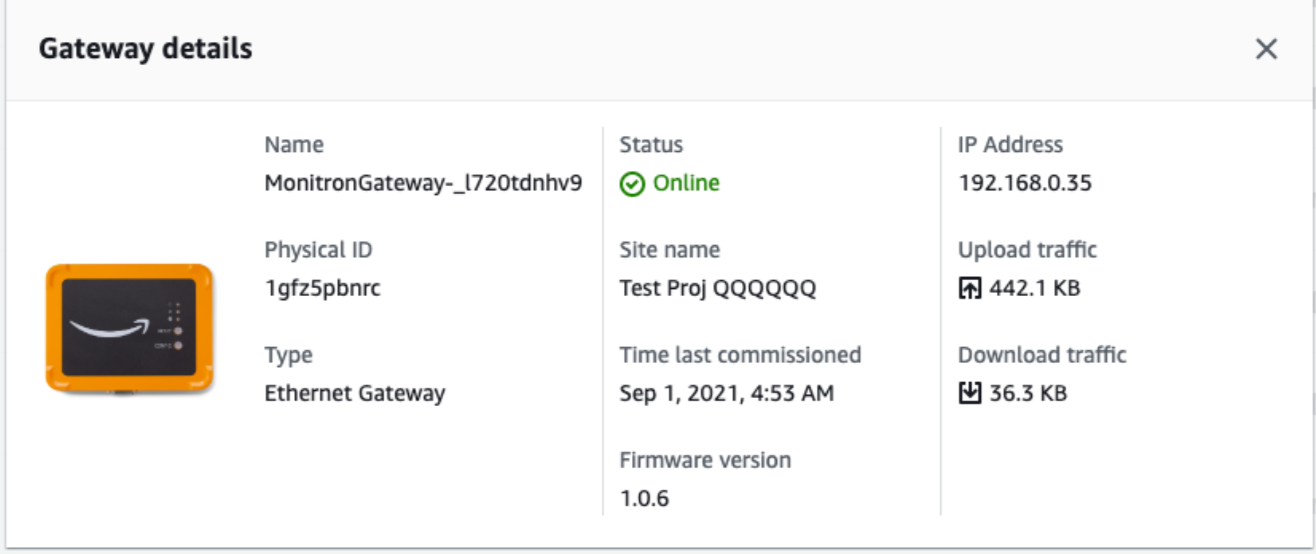
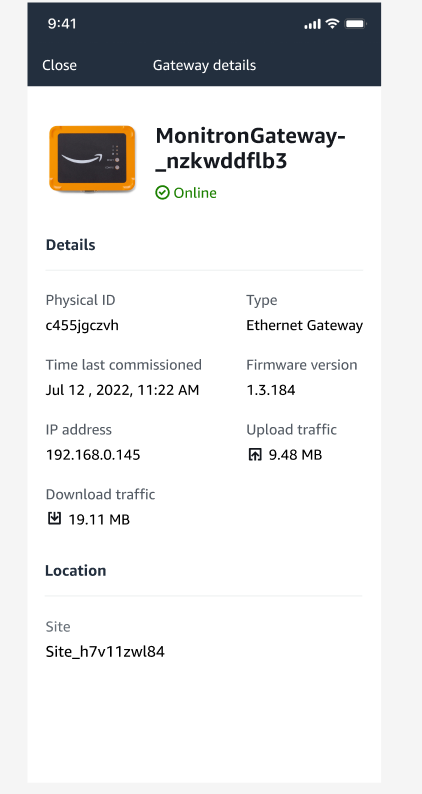
You can view gateway details on your mobile or web app. The following gateway details are viewable:
-
IP address
-
Firmware version
-
Last time commissioned
Note
You can also view and copy gateway MAC addresses. See Retrieving MAC address details.
You can view sensor details on both the mobile and web app. The following section shows you how.
Topics
To view Ethernet gateway details in the mobile app
-
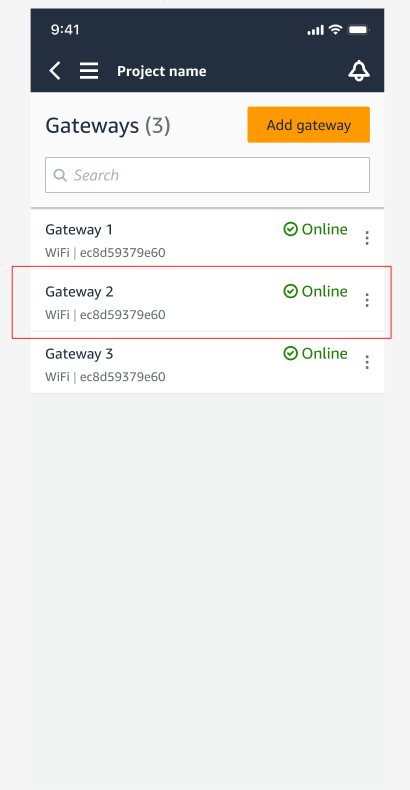
From the Gateways list, choose the gateway whose details you want to view.
-
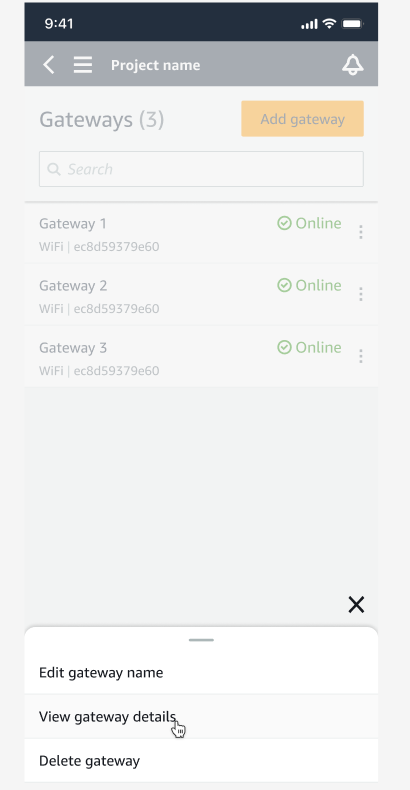
From the options box that pops open, select View gateway details.
-
The Gateway details page is displayed.
To view Ethernet gateway details in the web app
-
From the Gateways list, choose the gateway whose details you want to view.

-
The Gateway details page is displayed.